

Bring fleet customers
onto your charging network.
Give businesses a charging service built around their drivers, vehicles and daily operations. Set each company’s access, pricing and billing, and give fleet managers their own view of charging activity and costs.

Keep every fleet charge
connected to the right account.
Organize the drivers, vehicles and charge keys behind each fleet customer, so every session is recorded against the right company.
Charge keys for every fleet
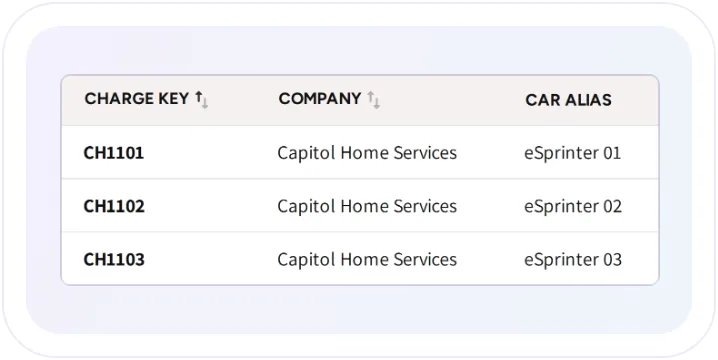
Assign RFID cards and vehicle-based charge keys to drivers or vehicles. Fleet drivers can also select their assigned company key in the app to start charging on the company account.
Drivers and vehicles, organized
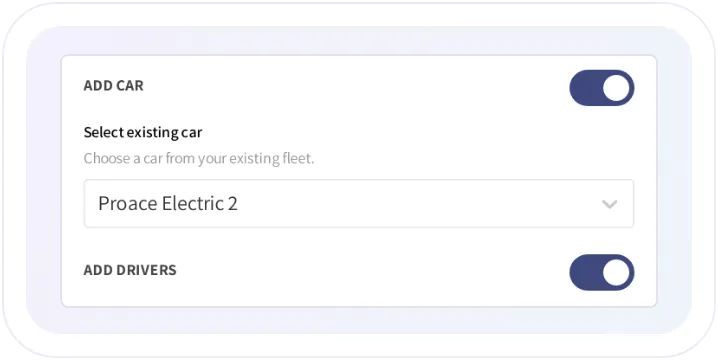
Keep driver and vehicle records together, invite drivers to activate their accounts and connect each person to the charging arrangements their company provides.
Your fleet and your customers’ fleets
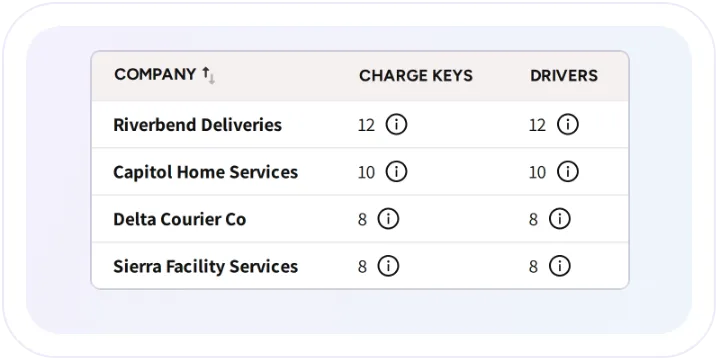
Run your own fleet or create separate accounts for business customers. Each external fleet has its own manager, drivers, vehicles and charging keys.
Set the terms for
every fleet customer.
Give each company the charging access and prices you’ve agreed, while keeping control of how your network is used.
Company-paid charging
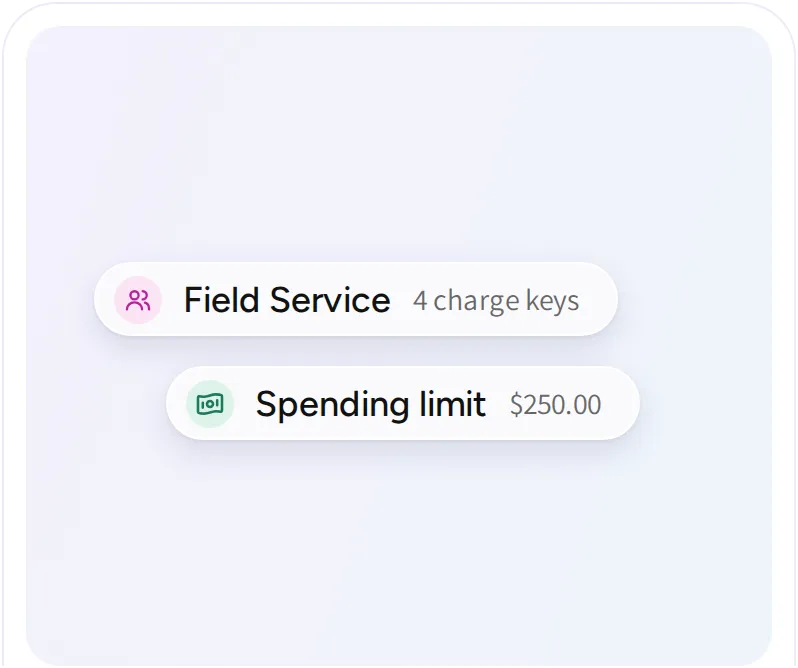
Group charge keys into teams with their own permitted locations and pricing. Add spending limits per key, with daily, weekly or monthly resets, to manage how the company account is used.

Special rates for individual drivers
Offer selected drivers agreed charging prices while they continue paying through their own accounts. Use a fixed rate, the location price or a percentage discount.

Charging rules for each team
Collect odometer readings before fleet sessions and waive booking fees for selected teams or member groups. Apply the requirements that make sense for each charging program.

Recognize vehicles with AutoCharge
Let registered vehicles start charging when plugged in, using a charge key linked to the vehicle’s charging-port identity. Fleet access and payment rules stay connected to the session.

Choose how each
fleet customer pays.
Offer prepaid company balances or charge on account for invoicing outside EOSVOLT. Keep fleet-funded charging separate from what drivers pay personally.
Prepaid Fleet Wallet
Offline billing
Fleet balance controls
Prepaid Fleet Wallet
Offline billing
Fleet balance controls


Give fleet managers
visibility.
Keep control
of your network.
Understand charging costs. Fleet managers can see energy, sessions and costs across their company, with breakdowns by team, driver, vehicle and location. Company-paid and driver-paid charging stay distinct.
Follow charging as it happens. View active fleet sessions on the live map, including battery state of charge when reported by the vehicle, with a live view that also works on a depot screen.
Give customers their own workspace. Fleet managers manage their company’s drivers, vehicles and keys without access to your operator finances, tariffs or other fleet customers.

Keeping more than
800 electric
tuk-tuks charging.
MuvMi operates more than 800 electric tuk-tuks on a private network managed by Banpu Next with EOSVOLT. Fleet tools manage charging access and sessions, while live charging data flows through the API into MuvMi’s own operations dashboard.

Frequently asked questions
What’s the difference between fleet teams and member discounts?
Fleet teams are for company-paid charging through assigned charge keys. Member discounts give selected drivers special prices while they pay through their personal app accounts.
Can fleet managers manage their drivers without changing our prices?
Yes. Fleet managers can manage their own drivers, vehicles and charge keys. Your operator team controls network pricing, and fleet managers cannot access operator-wide finances or other companies’ accounts.
Can we add prepaid credit on behalf of a fleet customer?
Yes. You can add credit to a Fleet Wallet and settle it with the company separately. This does not charge the customer’s card. Fleet managers can also top up their balance with a card.
Can we limit fleet charging spend?
Yes. Set a spending limit for each charge key in a team, with daily, weekly or monthly resets. A key stops starting new sessions after reaching its limit until the limit resets or the configuration changes.
Can a fleet use only selected chargers at a location?
Yes. For semi-public locations, you can select which chargers a fleet team is allowed to use, rather than opening access to every charger at the site.
Explore more ways
to serve fleet customers.
Fleet charging
Connect drivers, vehicles, charge keys, and charging costs. Run your own fleet or offer charging services to customer fleets with separate access, pricing, and reporting.
Pricing and payments
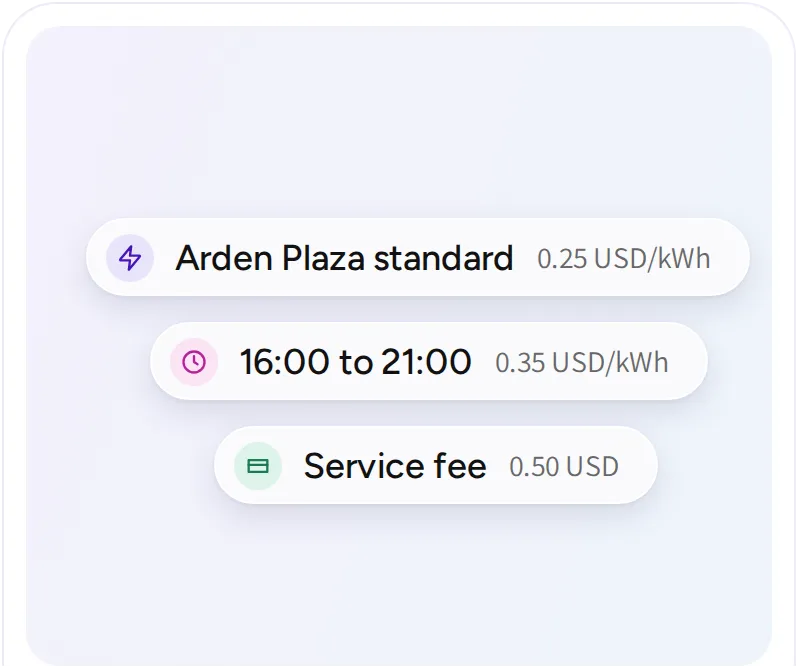
Configure charging prices, collect payments, and follow the records behind every transaction. Support different customer groups and billing arrangements across your operation.
Driver app
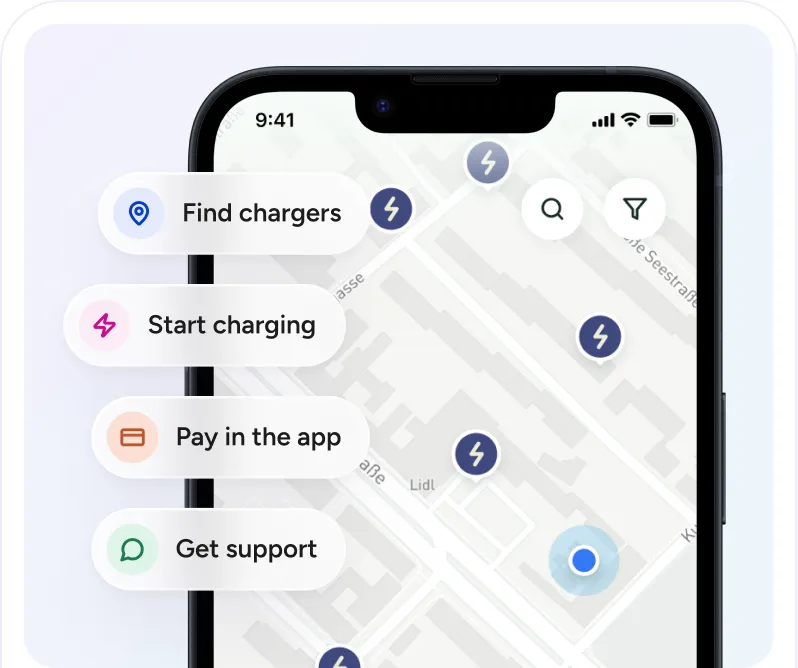
Bring charger discovery, charging controls, payments, and support into one app experience. Configure the features around your service and deliver them under your own brand.