

A charging app
built around your business.
Bring charger discovery, charging sessions, payments and support into one app under your own brand. Shape the experience around your customers, whether they charge in public, at home or through a fleet.

Help drivers find
the right place to charge.
Give customers the availability, prices and location details they need to choose where to charge before they arrive.
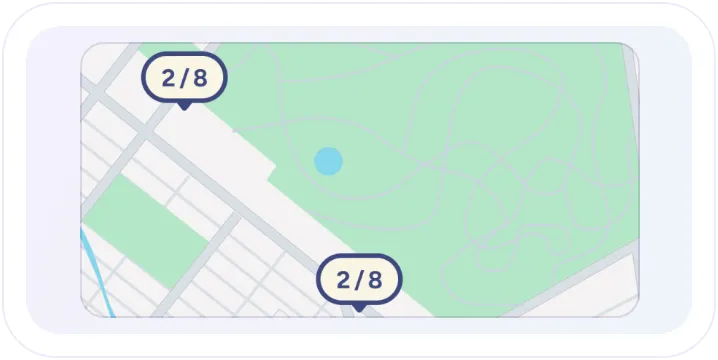
Find available chargers
Let drivers search a map or list and filter charging locations by their needs. Show connector types, live availability and pricing so they can choose with confidence.
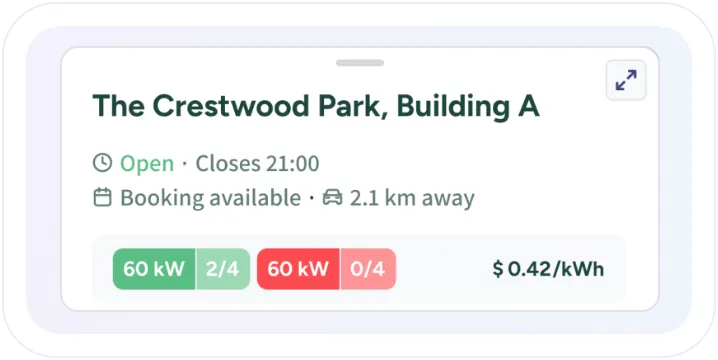
Know what to expect
Make directions, opening hours, amenities, available adapter cables and operator contact details easy to find in each location’s information.
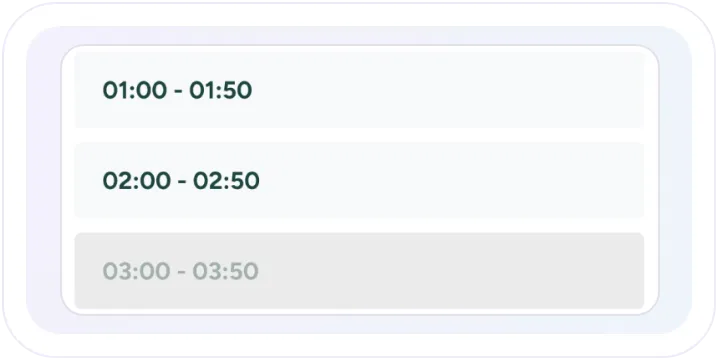
Reserve a charging time
Offer advance bookings at selected locations. Drivers can see available time slots and any booking fees before confirming their reservation.
Make every charging session
easy to follow.
From starting a charge to reviewing the receipt, give drivers clear controls and information at every step.
Start charging your way
Let drivers select a connector, scan a QR code, enter a plug ID or use a registered charge key. AutoCharge makes repeat charging even simpler.

Follow charging in real time
Show charging speed, energy delivered, elapsed time and estimated cost as the session progresses. Keep drivers informed with notifications about important charging events.

Simple, flexible payments
Offer saved cards, one-time checkout or prepaid wallet payments. Show payment details before charging begins, including any card authorization, and let drivers set a spending limit for their session.

Session history and receipts
Give drivers a clear history of their charging sessions, with itemized costs and downloadable invoices. For home charging, show estimated electricity costs separately from completed payments.

Choose how
your customers pay.
Configure saved cards, one-time checkout and wallet payments, including wallet-only experiences. Set the amounts drivers can select and the authorization amounts used before charging.
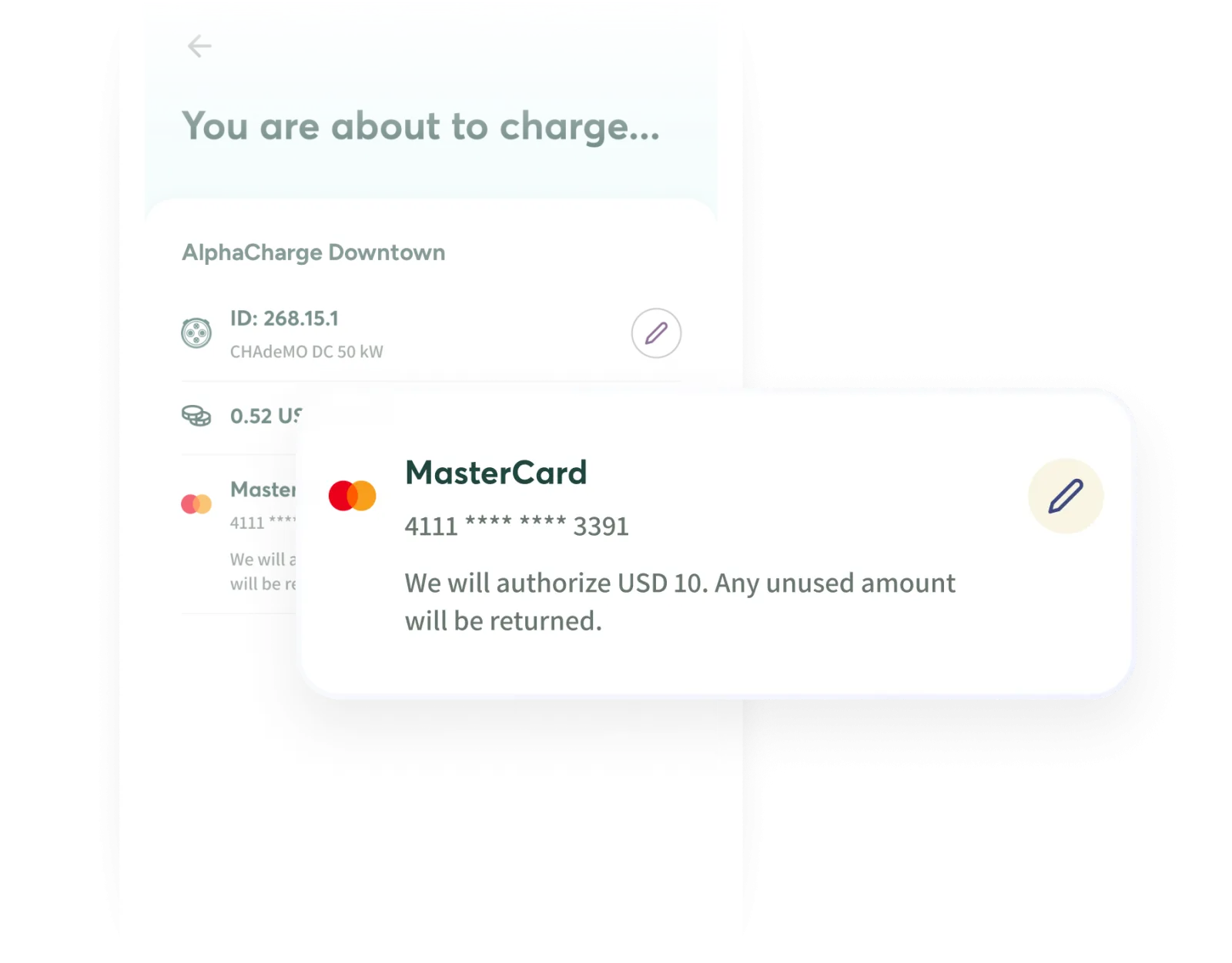
Fixed authorization
Reserve a set amount on the driver’s card before charging. Charging stops when that limit is reached, and only the actual cost is collected.
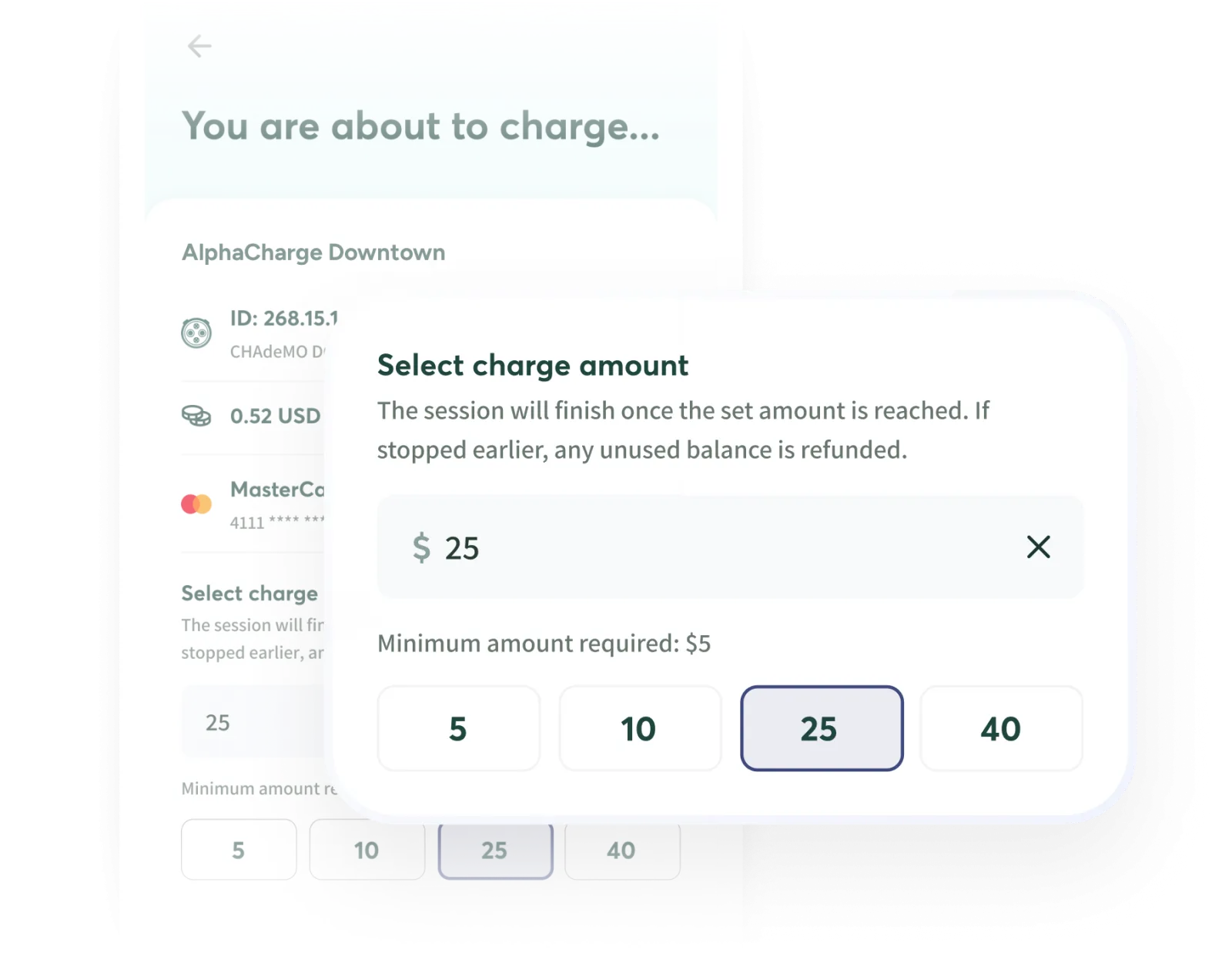
Driver-selected amount
Let drivers choose how much to authorize or prepay before charging, from the amounts you set.
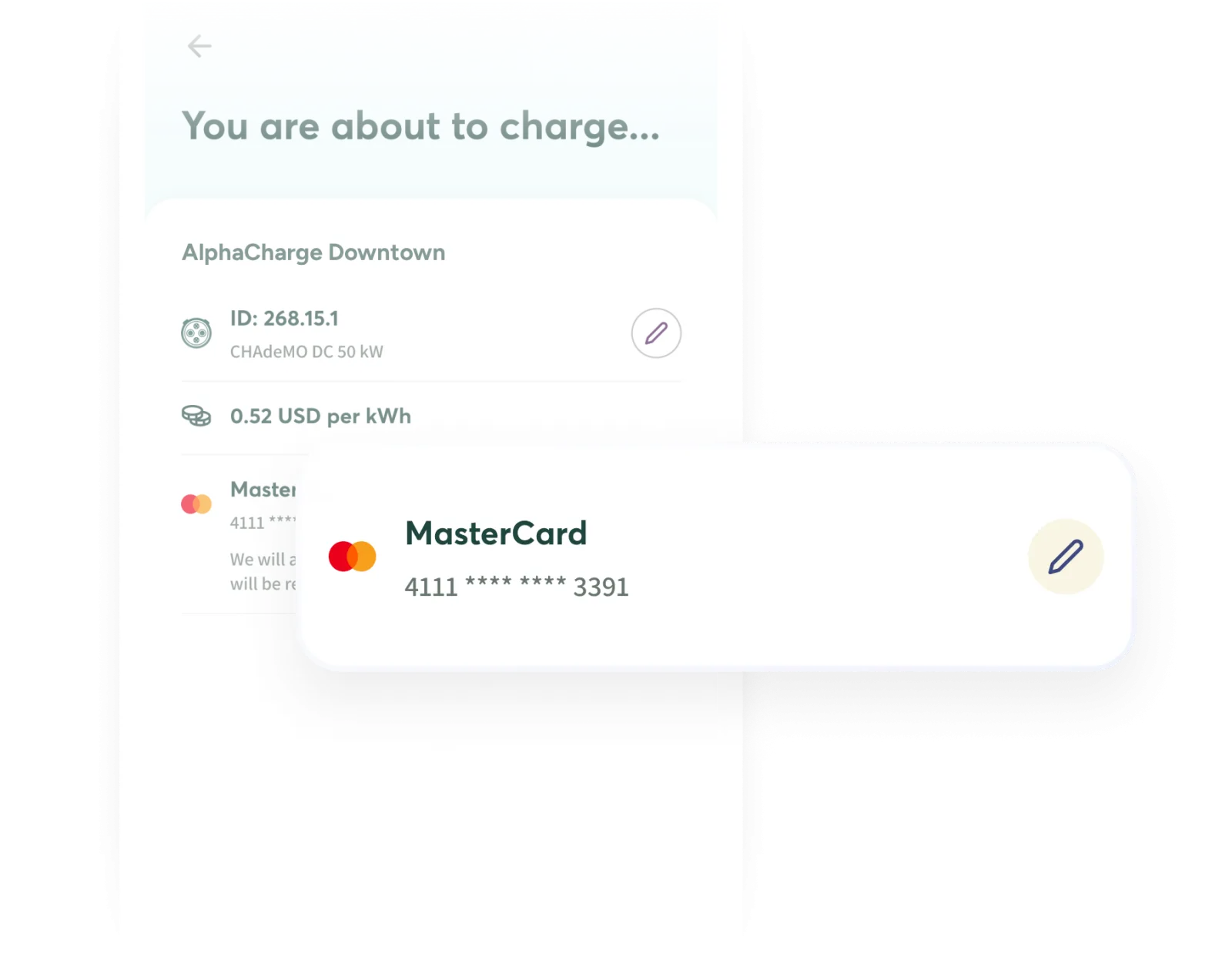
Postpaid
Bill the full cost after the session ends, with no amount reserved up front.
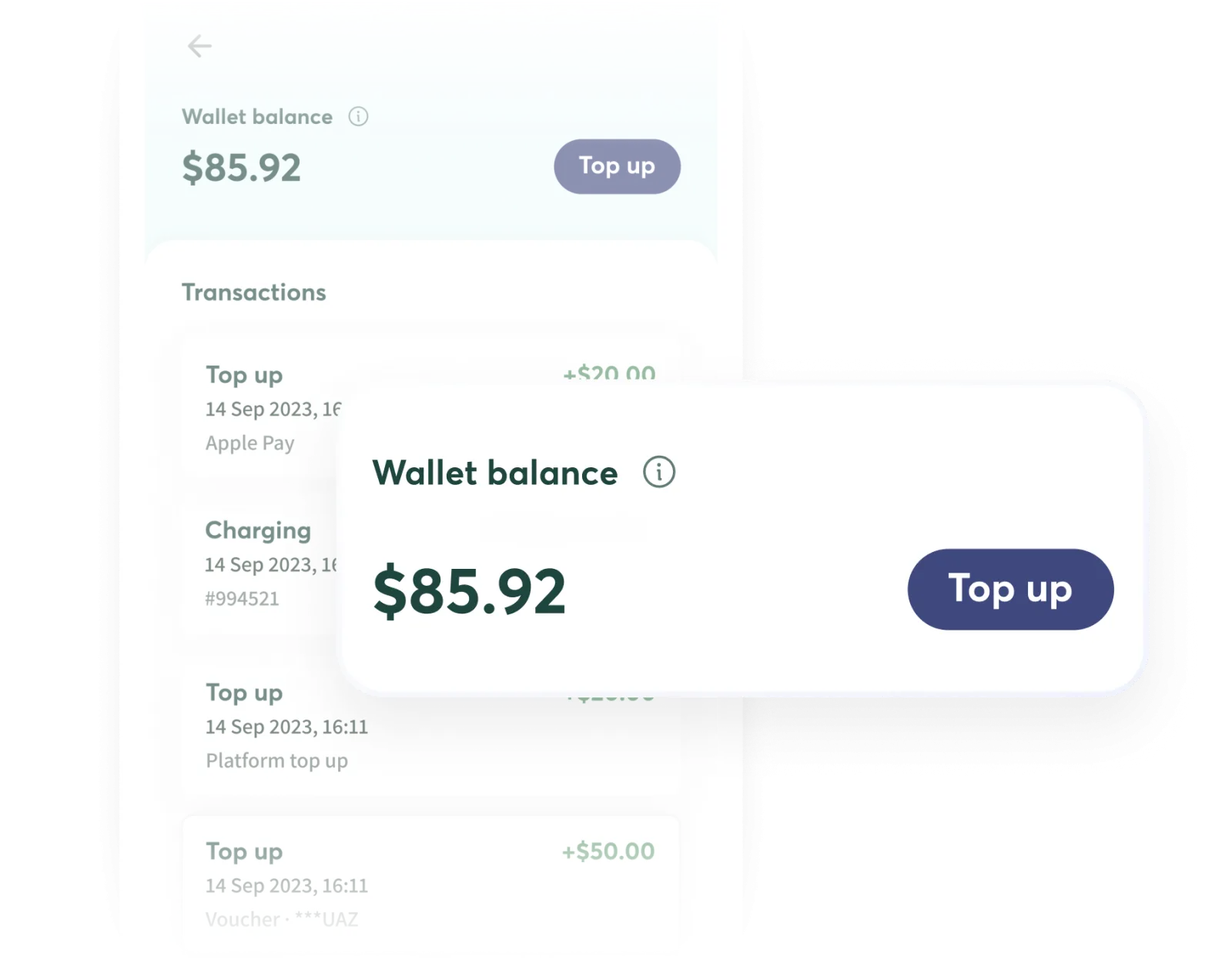
Wallet
Let drivers top up a prepaid balance in advance and pay for charging and bookings from their stored credit.
One app for
different charging services.
Bring public charging, home charging and fleet programs into the same customer experience, with the features that make sense for each service.
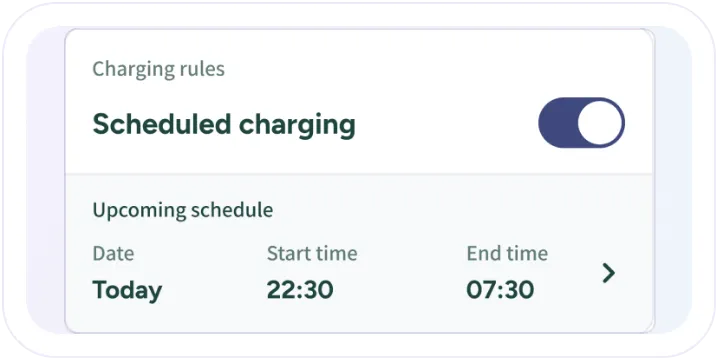
Home charging and private plugs
Give home charger and private-plug owners access to charging schedules, household sharing and their session history, all from the app.
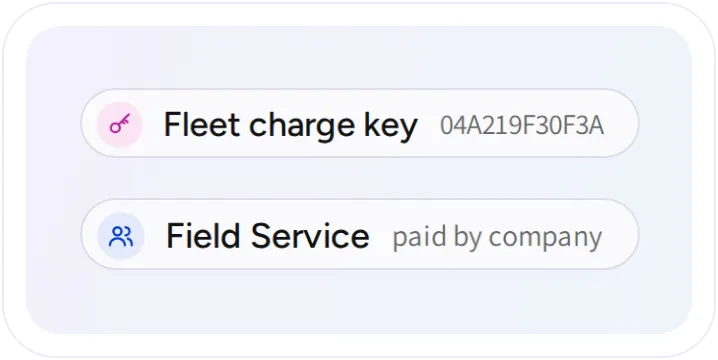
Fleet drivers and member rates
Let drivers charge to a company account with an assigned fleet key, while members with special rates can pay through their own app accounts.
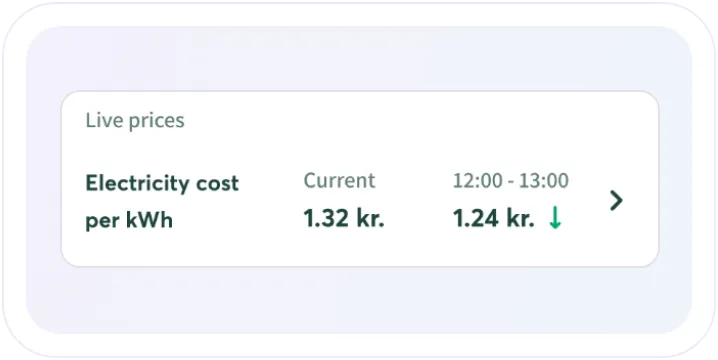
Electricity prices and charging insights
Give home charging customers visibility into electricity price forecasts and charging activity, with optional estimates of their environmental impact.
Help drivers resolve
issues in the app.
Answers based on real charging activity. The AI assistant uses the driver’s own charging sessions, payments and account records to answer questions and explain what happened, in everyday language.
Help beyond FAQs. Drivers can ask about failed charges, payment holds, home charging and account issues without having to find a session ID. The assistant can also help with problems such as a stuck connector, with your support contact details available when a person is needed.

Make the app
your own.
Choose how your app looks, communicates with customers and handles payments. Give drivers a consistent experience under your brand, from the first notification to the final receipt.
Launch on both app stores
We configure and submit your branded app to the App Store and Google Play, with everything prepared for launch on both.
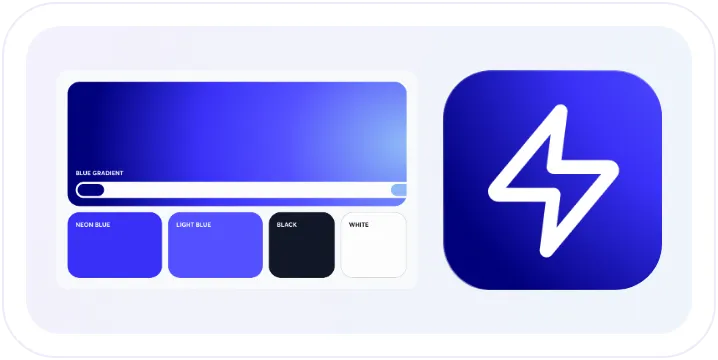
Your colors and logo
Apply your colors, logo and typefaces across the app, so every screen feels like your service.
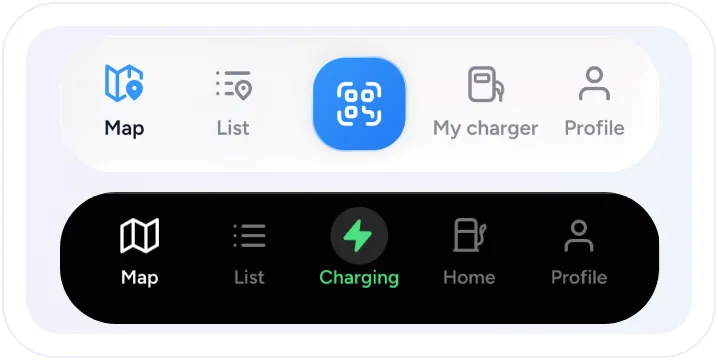
Navigation and interactions
Arrange the app’s main menu around your services, and choose how drivers interact with key actions such as stopping a charge.
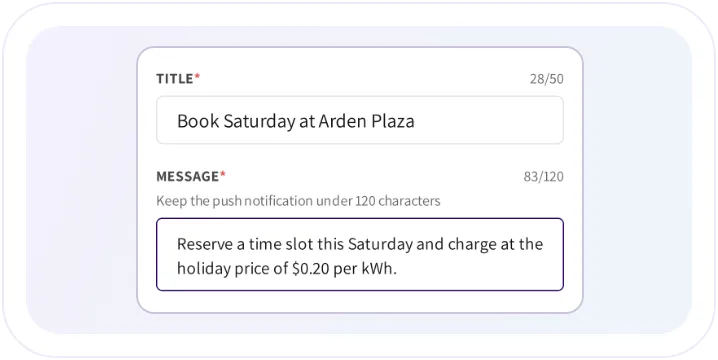
Keep drivers informed
Send targeted push notifications immediately or on a schedule. Messages also stay in the app inbox, so customers can find them again.
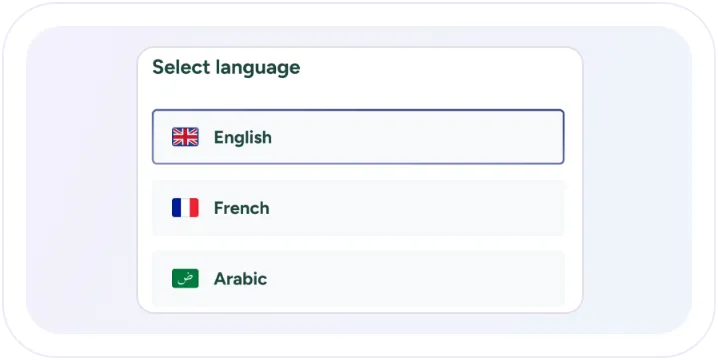
Speak your customers’ language
Let drivers use their phone’s language or choose another in their profile. The AI support assistant can respond in the language they use.
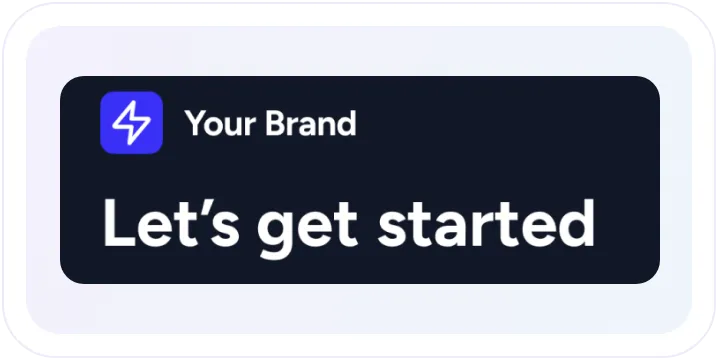
Keep every touchpoint on brand
Use your own email address and templates, put your logo on invoices and statements, and tailor app notifications for each language.
Charging and parking,
connected in one app.
Asgard EV gives drivers a branded charging app powered by EOSVOLT, bringing charger discovery, charging and payments together. An integration with its parking system automatically applies the relevant parking discount when drivers charge.

Frequently asked questions
Can we choose which features appear in our app?
Yes. You can configure features such as the charging map, bookings, wallets, home charging and fleet access to suit the services you offer.
Do drivers need to open the app for every charge?
No. Registered charge keys and AutoCharge offer other ways to start charging. At chargers with payment terminals, guests can also pay by card without creating an app account.
Can the AI assistant access other customers’ accounts?
No. The assistant works with the authenticated driver’s own account, including their charging and payment activity.
Can drivers still contact our support team?
Yes. The AI assistant helps with everyday charging and account questions, and your operator contact details remain available when personal assistance is needed.
Explore more
of the platform.
White label platform
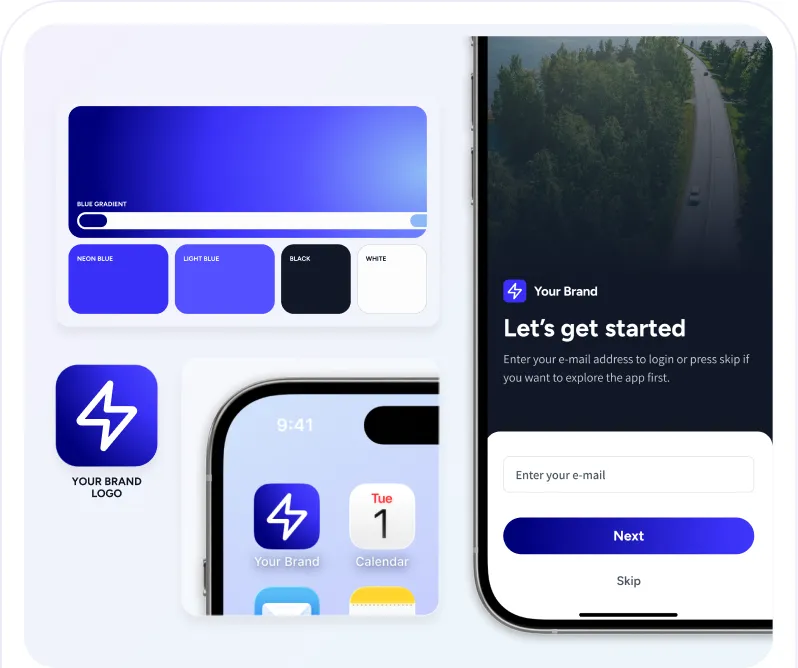
Launch a branded EV charging experience with EOSVOLT behind it. Configure the app, payment setup, and connected services around your customers and the way your business operates.
AI customer support
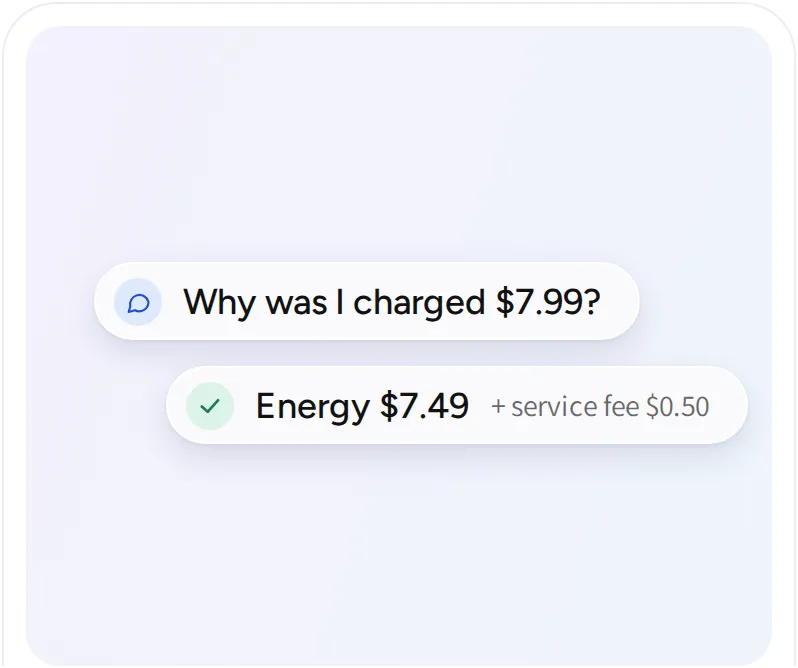
Answer drivers’ questions about sessions, bills, and payments from their own account records, in their own language, inside your app.
Pricing and payments
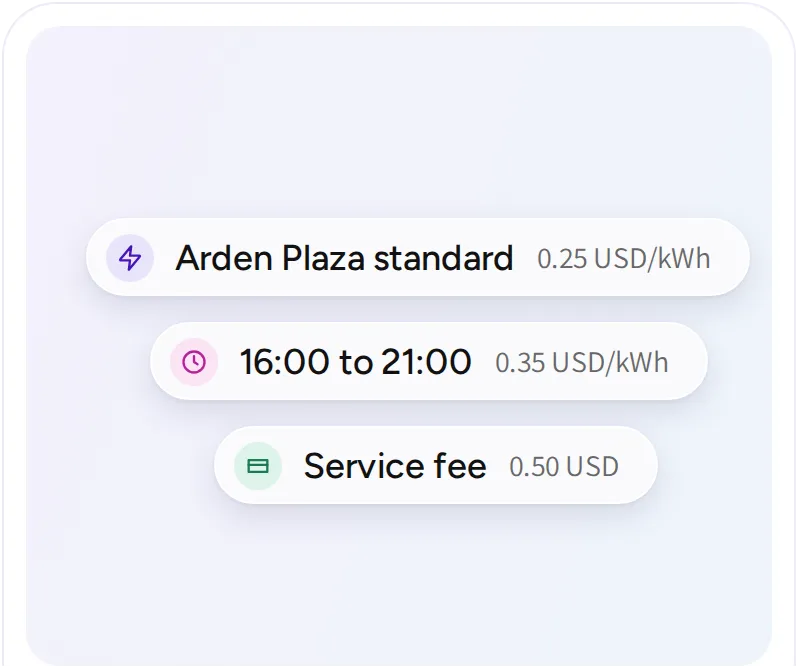
Configure charging prices, collect payments, and follow the records behind every transaction. Support different customer groups and billing arrangements across your operation.