

Run your entire charging
network from one place.
From live charging activity to customer support and network administration, EOSVOLT gives your team one place to manage locations, chargers, sessions and people.

See the network.
Find what needs attention.
Follow your operation at a glance, then drill into any location, charger or session for the detail behind the numbers.
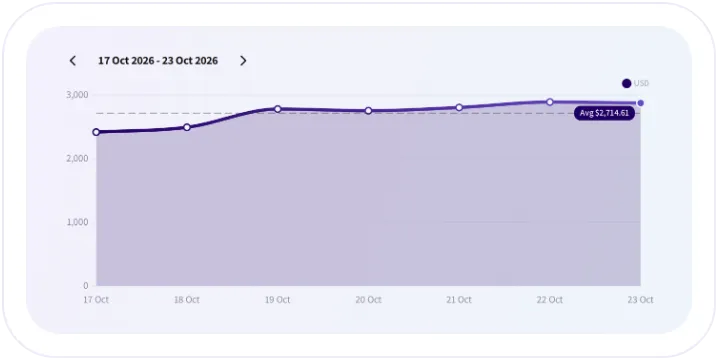
Track performance and live status
Monitor sessions, energy delivered, revenue and connector availability. Compare periods and see what is happening at each site.
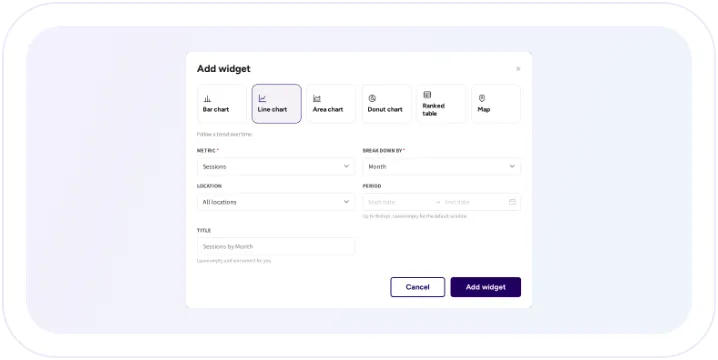
Build dashboards around your KPIs
Put the measures that matter to your team into personal dashboards with KPI cards, charts, tables and maps.
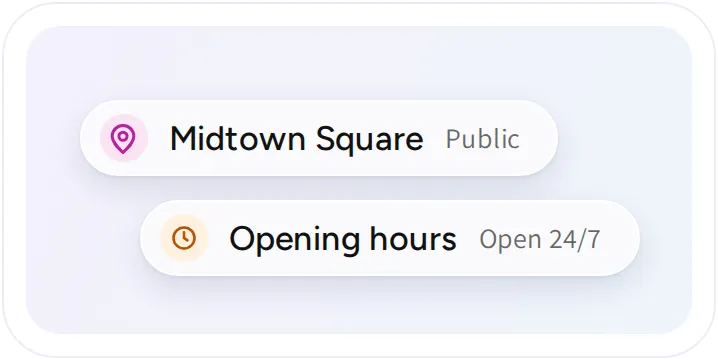
Manage each location in one view
Keep site information, charger status, session history, prices and access settings together for faster day-to-day work.
Manage chargers
throughout your network.
Connect chargers, follow activity, investigate problems and coordinate remote operations from your dashboard.
Bring new chargers online
Add chargers to locations, connect them through OCPP and generate the plug-level QR codes drivers use to start charging.

Investigate charger issues remotely
Review charger logs and send remote commands, including resets, connector unlocks and configuration requests, from one place.

Coordinate firmware updates
See firmware versions across your hardware, maintain files by charger model and coordinate updates across the units you choose.

See the full charging session
Review charging events, energy, duration, customer and payment information together when you need to understand a session.

Find recurring charger faults
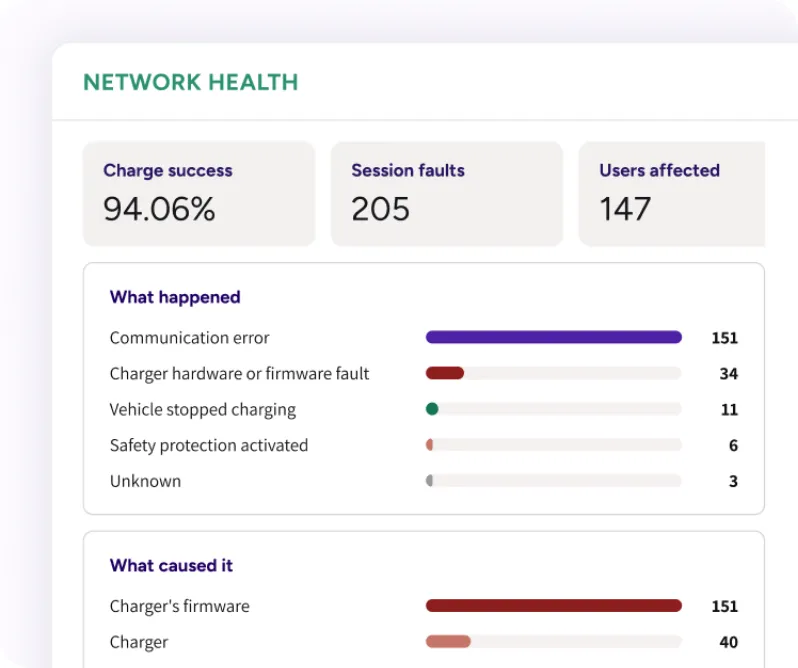
Use Intelligence to identify repeated issues and investigate the sequence behind unsuccessful charging sessions.

Receive alerts when chargers need attention
Notify the right people about offline chargers, faults, overheating, connection instability and low power. Site-level summaries and maintenance muting help keep alerts useful.

Give every team the
right level of access.
Give administrators, site hosts and partner operators the information and controls they need for their responsibilities.
Administrator permissions
Location limits
Multiple operators
Administrator permissions
Location limits
Multiple operators


Keep customer information
and communication together.
See the charging, payment and support activity connected to each customer, then communicate with the audiences you need to reach.
Customer accounts
Push campaigns
Support conversations
Customer accounts
Push campaigns
Support conversations


Get answers directly
in your dashboard.
Ask the operator assistant about a charger, session, customer or price. It finds the relevant information in your dashboard and explains the result so your team can act faster.

Multiple operators.
One platform.
Blaupunkt EV runs a multi-operator charging service on EOSVOLT. Operators work under the same brand while managing their own network activities and accounts.

Frequently asked questions
Can we manage different charger brands?
Yes. Supported OCPP models from different makers can be managed together. Available remote commands and smart charging functions depend on the equipment and firmware.
Can we give a property manager view-only access?
Yes. Switch on the sections they need, leave every action unticked, and limit their access to the locations they manage.
Can the platform restart an offline charger?
No. A charger must be online to receive a remote command. If it is offline, the site’s power and connectivity may need investigation.
Does the operator assistant change settings?
No. It looks up information and explains it. Changes such as pricing updates, resets, and refunds remain dashboard actions.
Is the dashboard available in our language?
Yes. Each administrator chooses the dashboard language in their profile. Drivers choose their own language in the app, independently.
Can we export sessions and invoices for accounting?
Yes. Export sessions with the columns and period you choose, invoices as one download, and wallet balances and top ups. Fleet sessions export with their own filters.
Explore the connected
platform capabilities.
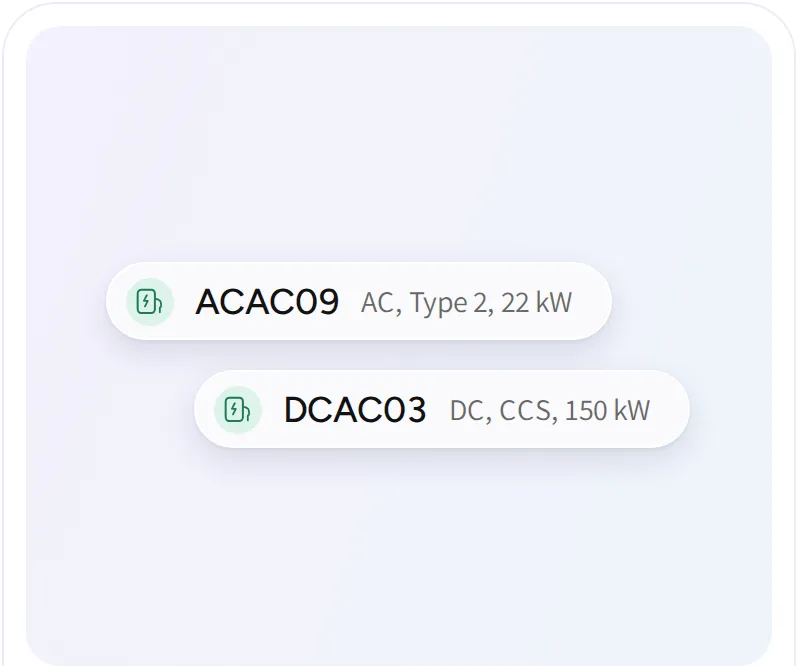
Supported hardware
Connect supported AC and DC chargers over OCPP, and manage monitoring, remote commands, and firmware for every model.
Intelligence
Follow charger health across your network. Group repeated faults into issues, find the chargers that need attention, and read why a session failed.
Pricing and payments
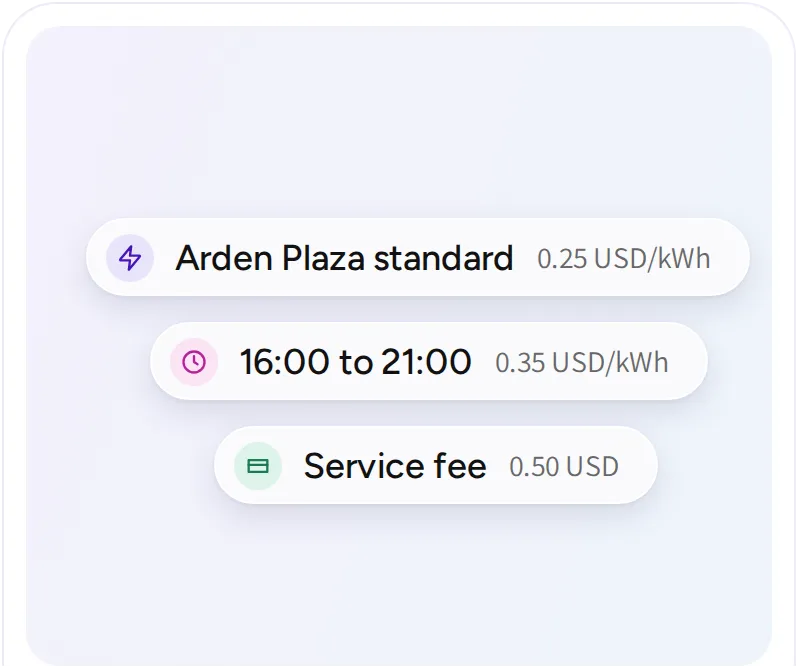
Configure charging prices, collect payments, and follow the records behind every transaction. Support different customer groups and billing arrangements across your operation.