

Understand charging performance,
down to the session.
See how your network is performing, which problems keep returning and what happened during individual charging sessions. EOSVOLT Intelligence turns charger and session records into findings your operations team can use.

Know where your network
needs attention.
Bring charge success, charger health and recurring faults into one view. Identify the locations and equipment that need a closer look.
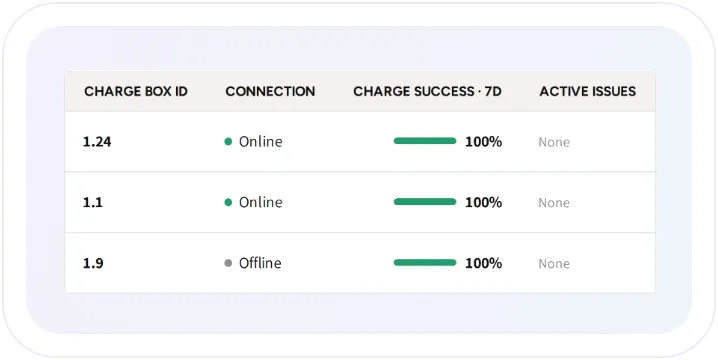
See charger health at a glance
See charging performance alongside offline chargers, connection interruptions and active faults, so your team can quickly focus its attention.
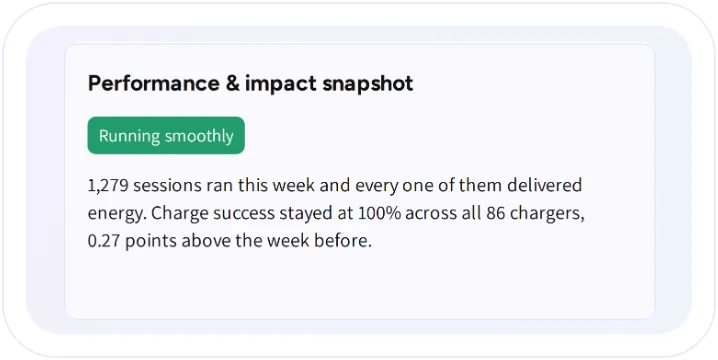
Get a clear summary of performance
Read an AI-generated summary of charging activity, recurring faults and changes in charge success compared with the previous period.
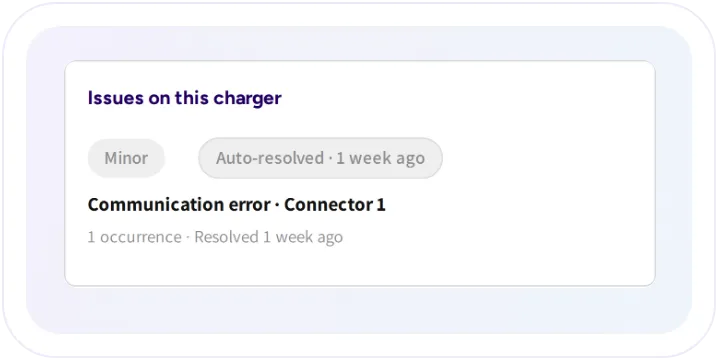
See patterns, not just individual errors
See repeated faults grouped into issues, with severity, trends and the underlying events available for investigation.
Investigate the source
of a problem.
Go from a network-wide pattern to the charger, location or charging attempt behind it.
Investigate chargers and locations
See how a charger or location has performed over time, including its connection history, charge success and recurring issues.

Charging funnel
Follow the charging journey from attempts to completed sessions. Identify where attempts fail before authorization or before energy begins to flow.

Track faults and notify your team
Review fault history and send relevant charger alerts to the people responsible for each location.

Understand what happened
in a session.
Open a completed charging session for an AI analysis of its events, outcome and likely cause. See the details behind the summary instead of working through raw messages alone.
A clear explanation
Follow the session timeline
Ask a follow-up question
A clear explanation
Follow the session timeline
Ask a follow-up question


Keep findings available
to your team.
Session Intelligence keeps the analysis with the session, so colleagues can review the findings without starting over. The original session log is available when a deeper technical review is needed.

Frequently asked questions
Does a high charging success rate tell the whole story?
No. It describes sessions that started. Offline equipment and attempts that never became sessions need the current charger view and charging funnel as well.
Can Session Intelligence analyse a live session?
Analysis is available after the session finishes, for sessions under 24 hours from plug-in to disconnect, and when the feature is enabled for the organization.
Does an auto-resolved issue mean AI repaired the charger?
No. Issue resolution reflects subsequent successful charging. The documented rule marks an issue resolved after five successful sessions on the same plug following its last fault.
Can we inspect the evidence?
Yes. Session details and downloadable logs remain available. AI interpretation helps explain the record; it does not replace it.
Explore
the connected capabilities.
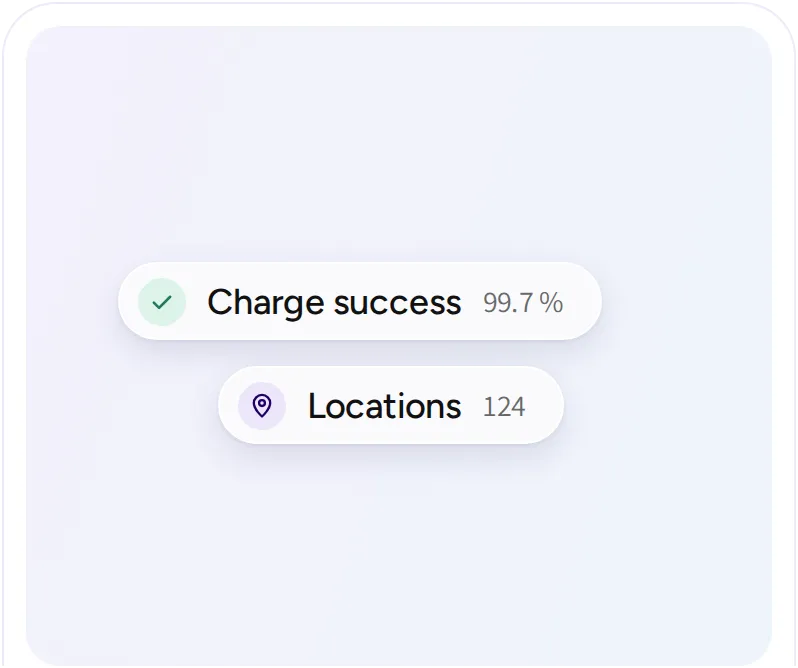
Network management
Manage sites, chargers, sessions, customers, and operator teams. Keep the information and controls your team needs together, from the first connection to everyday support.
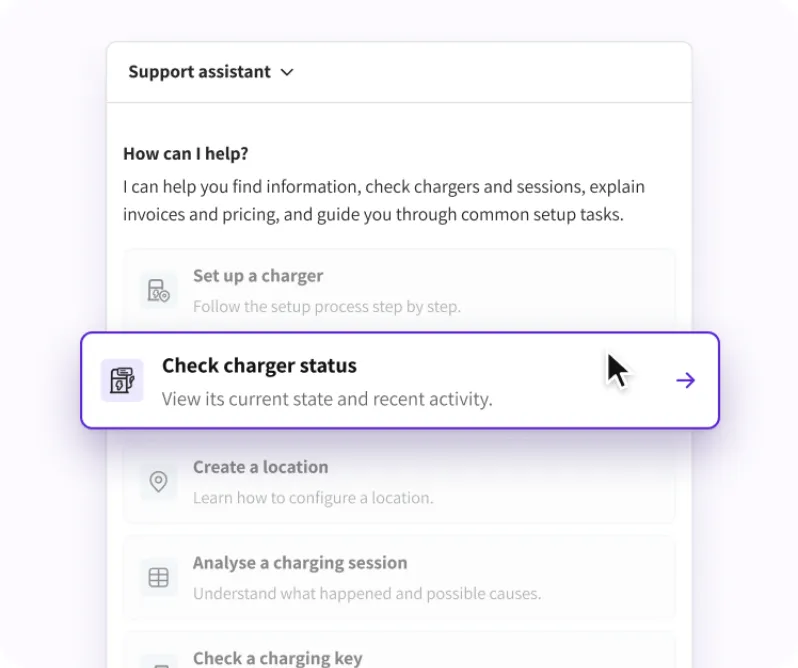
Operator assistant
Use the assistant in your dashboard to look up chargers, sessions, invoices, payouts, and fleet records. Get account-based answers and guidance without searching through every screen.
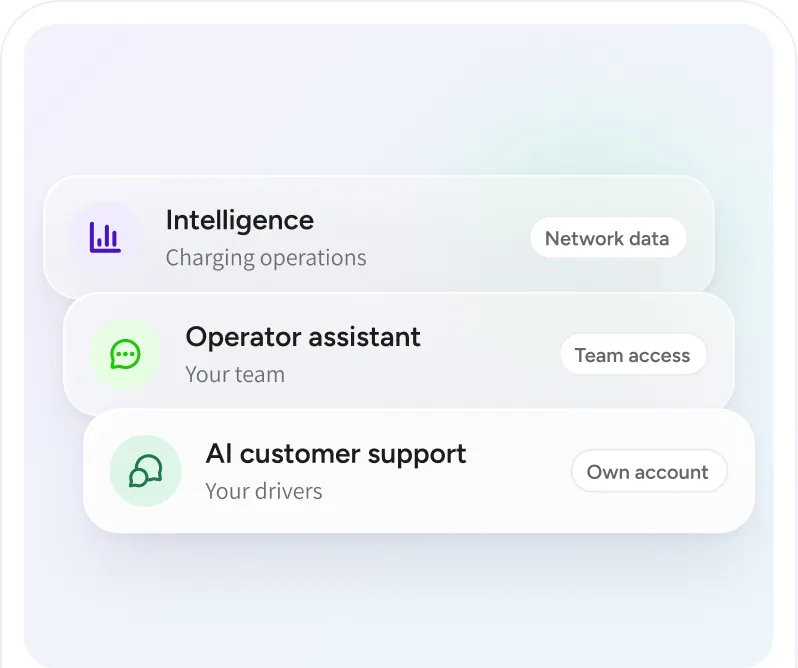
How our AI works
Understand the information behind EOSVOLT’s AI features, the access they follow, and the role of your team. Each capability has a specific job in charging operations or customer support.