

Set your prices.
Choose how customers pay.
Build prices around your charging service, accept payments in the app or at the charger, and keep billing and revenue records in one place. Serve individual drivers, fleets and residents with the arrangements they need.

Build pricing around
your business.
Create reusable price profiles and apply the right rates across locations, chargers and customer groups.
Choose how charging is priced
Charge by kWh, minute or hour. Apply a profile to a location and set different rates for individual chargers when needed.

Set prices for different times
Use time-of-day, weekday and date rules to change rates for peak hours, holidays and seasonal periods.

Combine your pricing components
Build prices from electricity costs, usage fees and revenue share, with separate values for shared and dedicated plugs. Use live electricity prices for market-based tariffs.

Keep session fees transparent
Add service, booking and idle fees, then show customers how their total was calculated. Keep tax and fee details visible in receipts and payment records.

Let customers pay the
way that suits them.
Offer card payments, one-time checkout, prepaid wallets and payment terminals, with the right experience for each charging service.
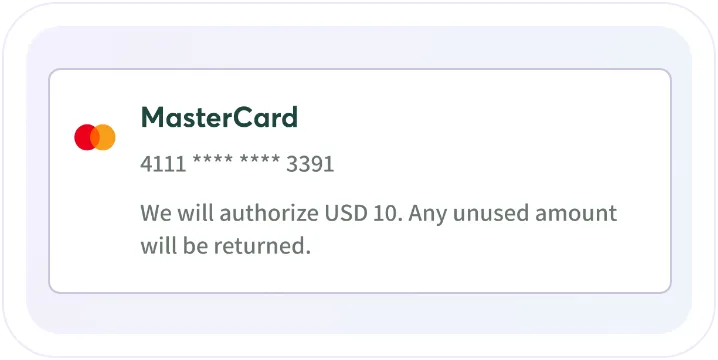
Card and checkout payments
Let drivers use saved cards or a one-time checkout. With pre-authorization, reserve funds at the start, collect the actual charging cost and release the unused hold.
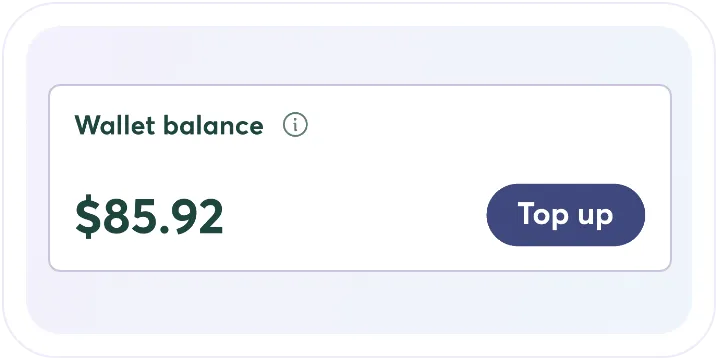
Driver wallet
Give drivers a prepaid balance for charging and bookings. Support top-ups, vouchers and wallet-only services, with a clear record of every balance movement.
Payments at the charger
Accept card payments directly at the charger with Payter, Nayax or Vourity terminals. Keep terminal payments connected to the charging session without requiring an app account.
One platform for different
billing arrangements.
Combine per-session payments, company-paid fleet charging and monthly residential billing in one operation.
Monthly billing for residents
Fleet company billing
Revenue and payouts
Monthly billing for residents
Fleet company billing
Revenue and payouts


See the full story
behind every payment.
Trace every transaction. See the session, invoice and card payments together, including what was authorized, collected, released and refunded.
Resolve payment issues. Review outstanding amounts, release card holds and issue full or partial refunds from Payment Audit.
Follow up unsuccessful payments. See failed payment attempts and outstanding balances, with retry handling and settlement linked to the customer’s charging account.
Control financial access. Give payment review and refund permissions to the administrators responsible for them.

Local payments for
local customers.
iCharge runs a branded charging service on EOSVOLT with its own language, a local bank connection and an authorization flow that lets drivers choose an amount before charging.

Frequently asked questions
Will changing a price affect previous sessions?
No. Updating a price profile that is in use creates a new version. Sessions already priced retain the version that applied at the time, so previous invoices are unaffected.
Can residents pay monthly instead of after each charge?
Yes, when monthly billing is enabled for a private plug. The resident receives an itemized bill by email and can pay the exact amount through the included card payment link.
Is a card hold the same as a completed payment?
No. A hold reserves an amount before the final charging cost is known. After charging, the actual cost is collected and any unused amount is released. Depending on the bank, it can take one to seven business days for the released amount to become available.
How are charging payouts handled?
Your account follows an agreed payment model. Depending on that model, you either receive scheduled remittances or request withdrawals from My finances.
Can shared and dedicated plugs have different prices?
Yes. Component pricing lets you define electricity costs, usage fees and revenue share separately for shared and dedicated plugs.
Can companies pay for their drivers while others pay personally?
Yes. Fleet teams can charge to a company through prepaid or offline billing. You can also give drivers member discounts, with the driver paying through their own app account.
Explore connected
charging services.
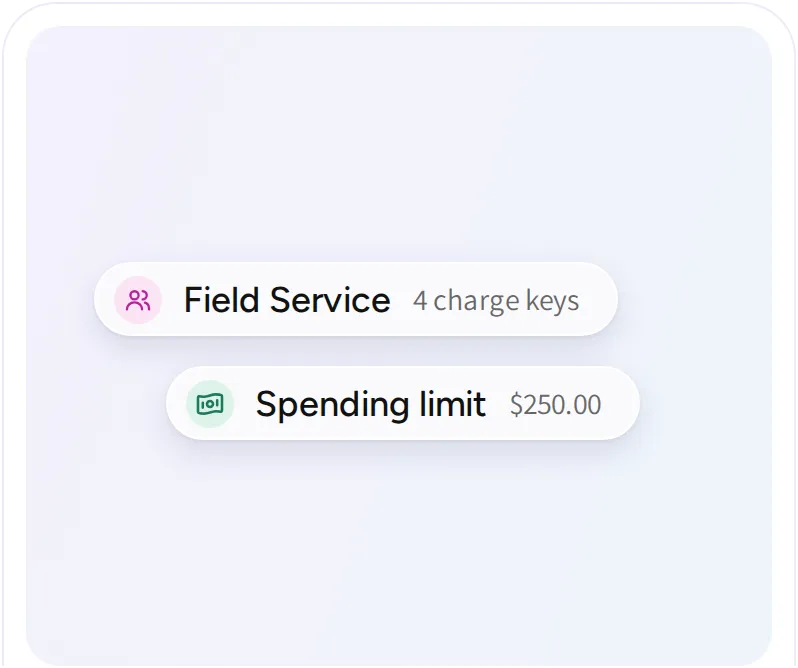
Fleet charging
Connect drivers, vehicles, charge keys, and charging costs. Run your own fleet or offer charging services to customer fleets with separate access, pricing, and reporting.
Multi residential charging
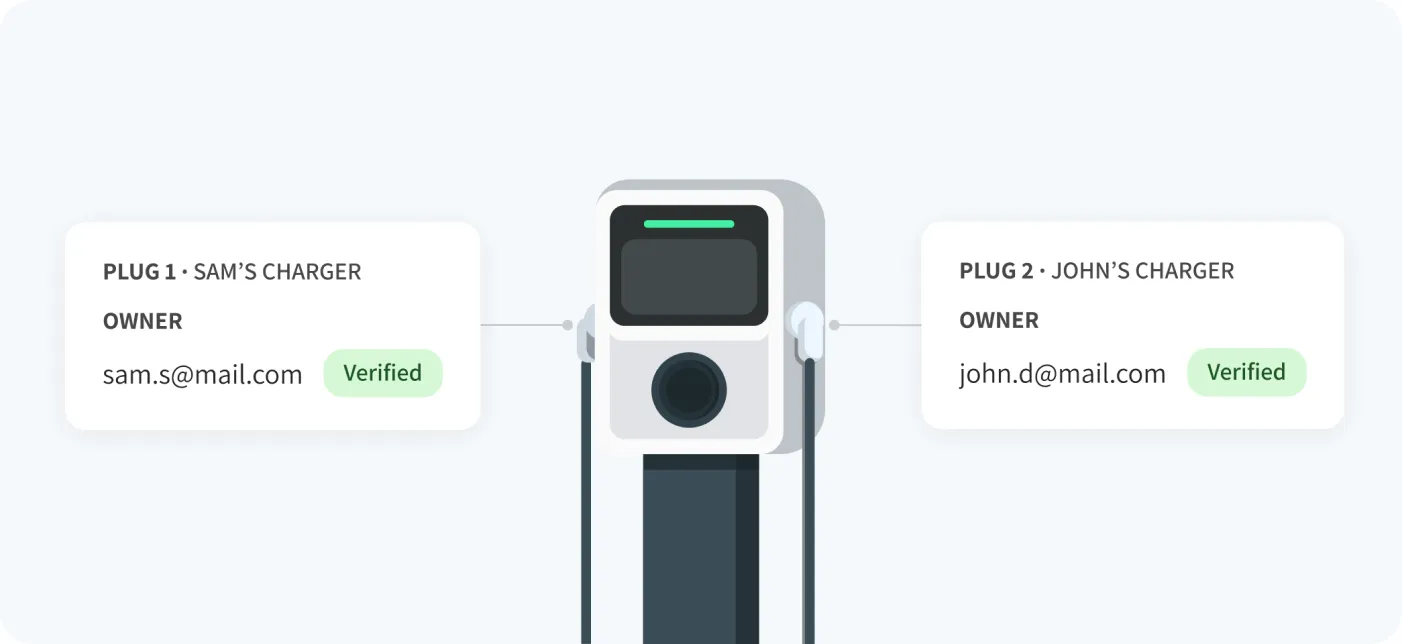
Give residents a convenient way to charge at home, with access, monthly billing and available power managed across shared residential properties.
Integrations and API
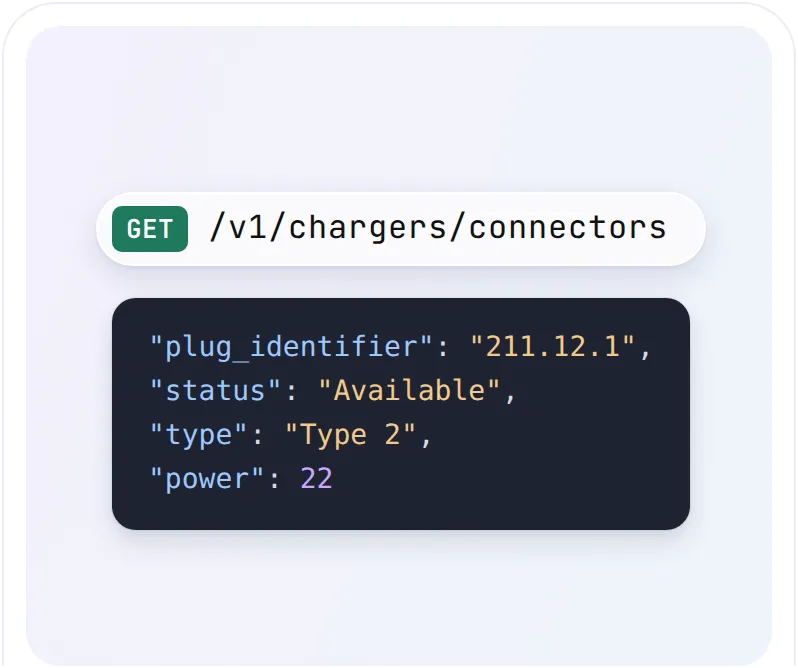
Connect payment providers, roaming partners, energy data and your own applications using supported integrations and the EOSVOLT Public API.