

Match the charging setup
to the property.
From individual homes to shared parking in apartment buildings, manage the access and billing arrangement that fits each location.
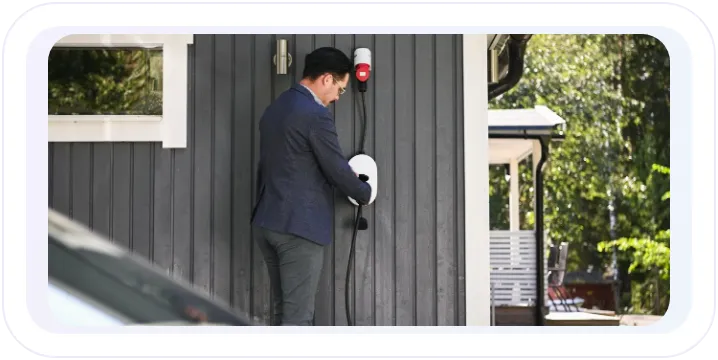
Charging at home
Connect chargers on a household electricity meter. Owners pay their electricity provider as usual, while the app gives them their charging history, energy use and estimated costs.
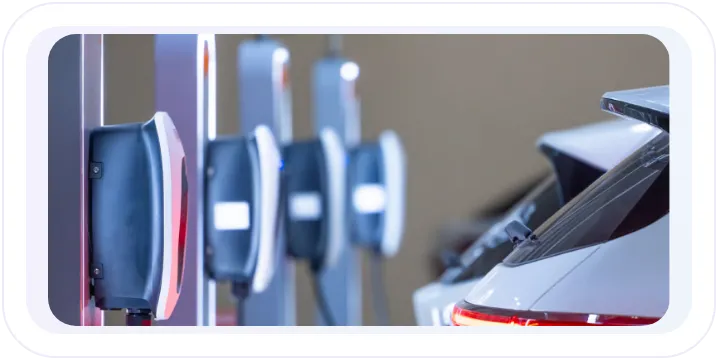
Dedicated charging for residents
Assign individual charging plugs to residents, each with their own access and session records. Set up paid charging or monthly bills to match the property’s arrangement.
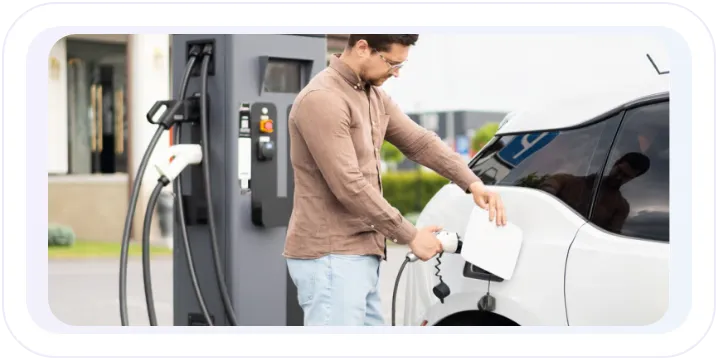
Shared charging at the property
Offer shared chargers for residents and visitors with their own access and pricing rules, alongside dedicated spaces at the same building or site.
Give each charger and plug
a clear owner.
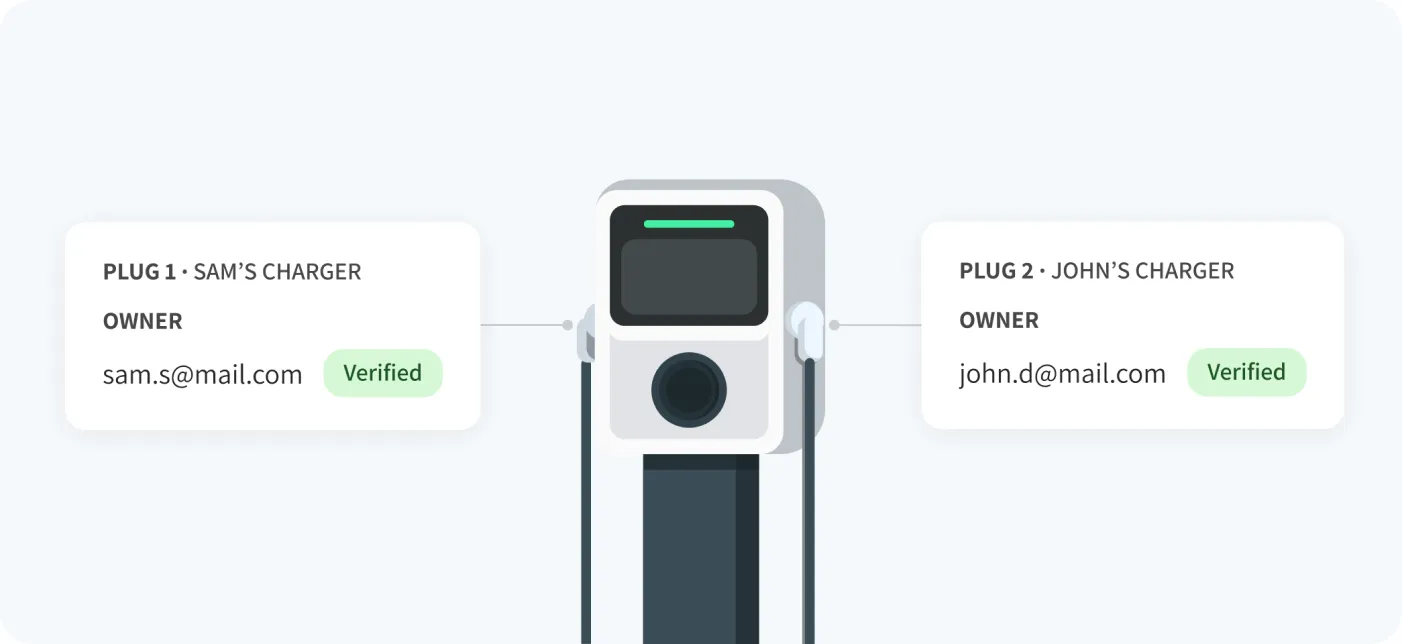
Connect each home charger or private plug with the people who use it, and update access as households and residents change.
Give owners access to their charger
Invite owners by email or give them a redemption code. Once they accept, their charger or dedicated plug appears in the app, ready for them to manage.

Assign a plug to each resident
Give different residents their own plugs on the same charger, with separate charging records, schedules and billing. A resident can also manage more than one plug.

Share charging within a household
Let owners invite family members or other trusted users to share access. Review invitations and update who can use the charger or plug whenever needed.

Make resident changes simple
When someone moves, reassign their private plug to the next resident. Keep the charger installation in place while ownership and app access move to the new person.

Give residents more control
over when they charge.
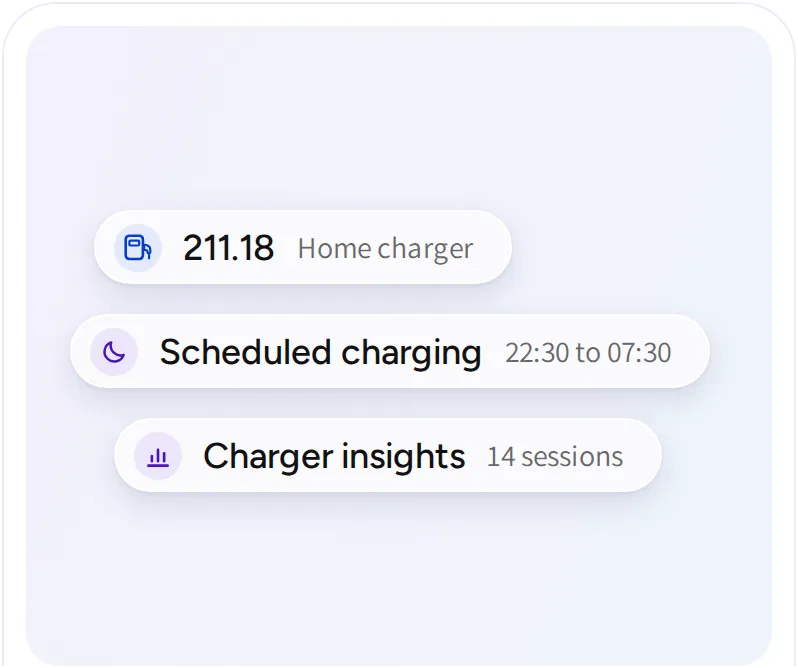
Make home charging fit everyday routines, with schedules, electricity-price-aware charging and easy access to usage insights.
Scheduled charging
Intelligent charging
Charging insights
Scheduled charging
Intelligent charging
Charging insights


Keep billing and support
part of the same service.
Make day-to-day residential charging easier to run, from monthly payments to investigating a charging problem or helping a resident in the app.
Give residents one monthly bill
Bring eligible private-plug charging sessions into a monthly bill, with the option to include a fixed plug fee. Residents receive an itemized statement and a link to pay by email.

Support chargers remotely
Review charger status, session history and logs from your dashboard. Investigate reported problems and take remote action without having to visit every site.

Offer help directly in the app
Give residents AI assistance with charging, payments and account questions. When they need to speak to someone, your support contact details remain easy to find.

Let home charger
owners share
with other drivers.
With hybrid charging, a home charger owner can make their charger available to other drivers and set a price for public sessions, while their own charging remains free. It’s another way to offer a home charging service, alongside private residential and shared-property charging.

Home charging
connected to
the electricity bill.
Kärnfull customers manage their home chargers in the EOSVOLT app, with live electricity prices and estimated session costs. A direct connection to Kärnfull’s CUBS billing system processes tariff refunds automatically.

Frequently asked questions
Can residents have separate plugs on the same charger?
Yes. A charger with multiple private plugs can assign each plug to a different resident, with individual access, charging records and billing arrangements.
Does assigning a plug owner automatically start monthly billing?
No. Ownership, paid charging and monthly billing are separate settings. You choose the payment arrangement for each eligible private plug.
Can residents use scheduled and intelligent charging at the same time?
Only one charging mode is active at a time. Switching on scheduled charging turns off intelligent charging, and vice versa.
Do we need hybrid charging for shared parking at an apartment building?
No. Shared residential parking can use a standard shared/public charging setup. Hybrid charging is a separate option for owners who want to make their home charger available to other drivers.
Explore more residential
charging solutions.
Home charging
Connect residential chargers and give users the tools to schedule charging, track consumption, and manage costs.
Multi residential charging
Give residents a convenient way to charge at home, with access, monthly billing and available power managed across shared residential properties.
Pricing and payments
Configure charging prices, collect payments, and follow the records behind every transaction. Support different customer groups and billing arrangements across your operation.