

Ask your dashboard
instead of searching it.
Need to check a charger, find a session or confirm a payment? Ask the EOSVOLT operator assistant in plain language. It brings the relevant information from your operation into the conversation.

Get the information
you need, faster.
From charger status to invoices and fleet records, get answers directly in your dashboard without navigating through multiple views.
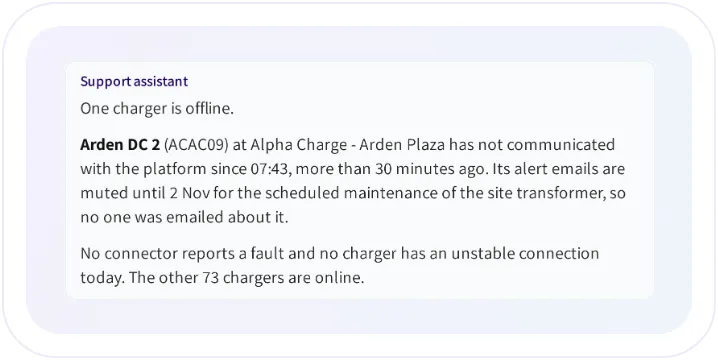
Check charger status
Ask which chargers are offline, review a specific unit or find the equipment that needs attention.
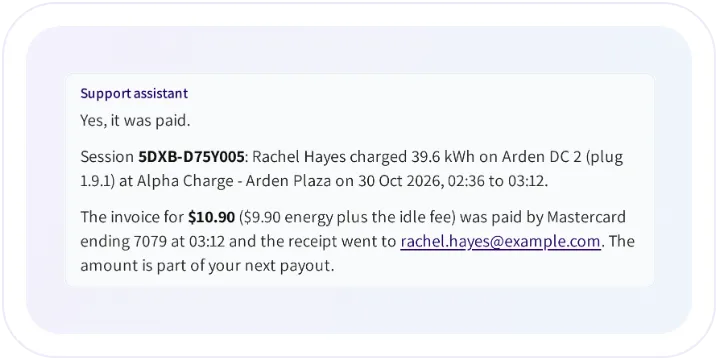
Find sessions and payments
Find a charging session, check an invoice or payment, and get an explanation of the relevant records.
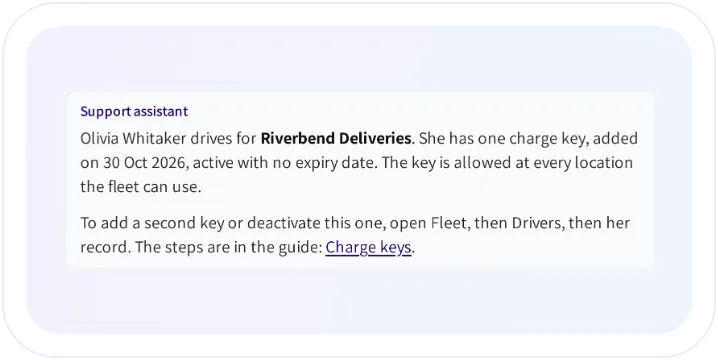
Look up fleet records and guides
Find drivers and charge keys, or ask how to configure a platform feature and receive guidance from EOSVOLT documentation.
Ask questions
in context.
When you have a charger or session open, simply ask about “this charger” or “this session”. The assistant uses the page you are viewing to understand what you mean.
Follow an issue through to its analysis
Ask about a problem, confirm a proposed analysis and review the findings without leaving the conversation.

Find guidance as you work
Ask how to set up a feature or complete a task, and get guidance based on the EOSVOLT product guides.

Know what the records show
Get a clear distinction between information available in the platform and details that need to be checked elsewhere.

Answers based
on your access.
The operator assistant works with the same locations and records available to you in the dashboard. It helps you investigate and understand information, while your team manages operational changes directly.

Reach the support team
when needed.
When a question needs a person, Contact support puts the support team’s contact details within reach, right in the conversation.
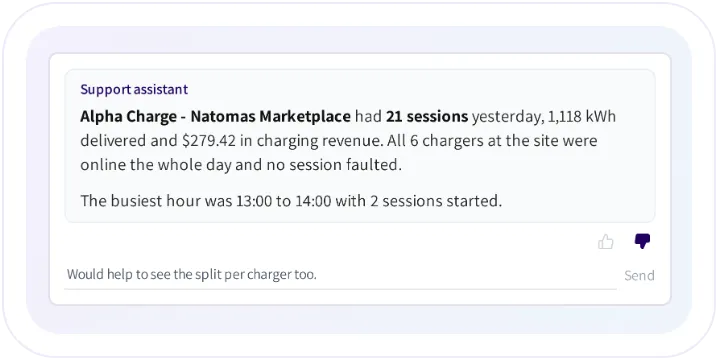
Help improve the answers
Rate a response and share what would have made it more useful.
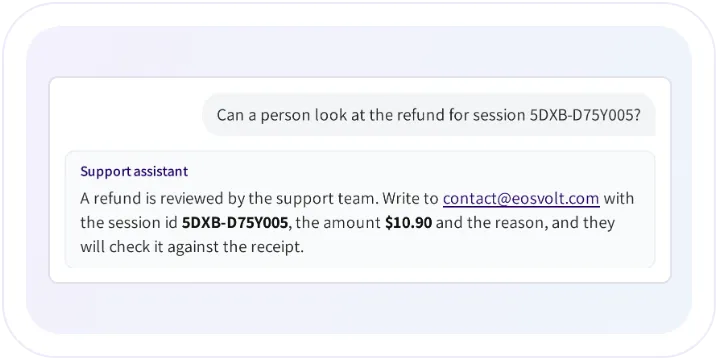
Contact the right person
Get the support email or phone number and guidance on what to include in your request.
Frequently asked questions
Can it reboot a charger or issue a refund?
No. It is a lookup and explanation assistant. Operational changes stay in the dashboard.
Can it see more than the administrator using it?
No. The administrator’s modules, permissions, and location restrictions also apply to the assistant.
Can colleagues read my conversation?
Other administrators in your company cannot see your assistant conversation. Conversations are logged for quality review by the platform team.
Which language does it use?
It answers in the language your dashboard is set to, whatever language you write in.
Explore
the connected capabilities.
Network management
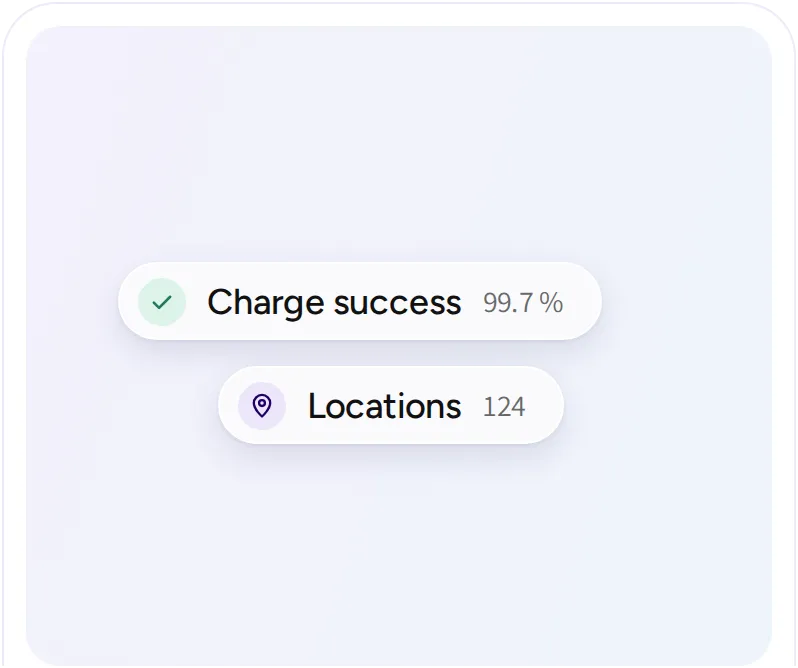
Manage sites, chargers, sessions, customers, and operator teams. Keep the information and controls your team needs together, from the first connection to everyday support.
Intelligence
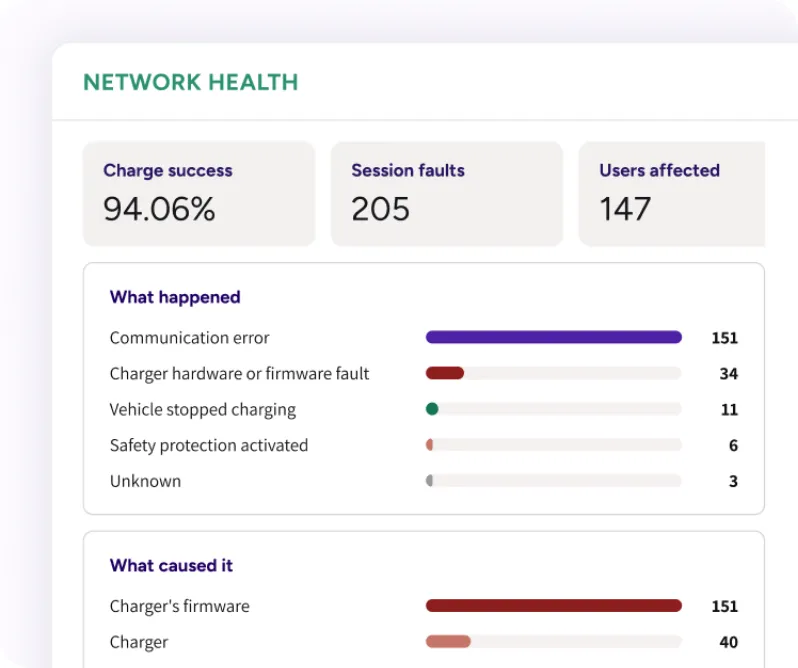
Follow charger health across your network. Group repeated faults into issues, find the chargers that need attention, and read why a session failed.
How our AI works
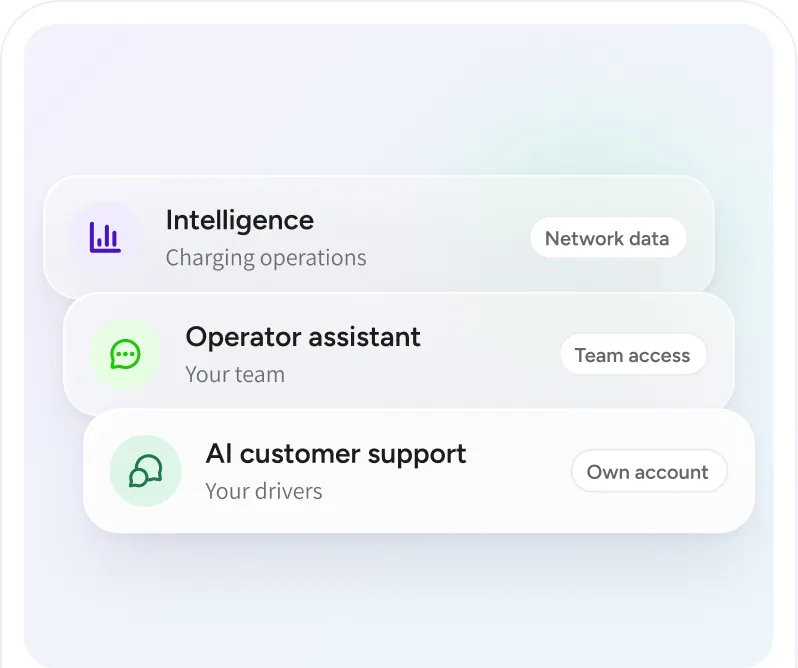
Understand the information behind EOSVOLT’s AI features, the access they follow, and the role of your team. Each capability has a specific job in charging operations or customer support.