

Build the network
your business needs.
Bring different charger types and manufacturers into one operation, with the flexibility to match equipment to each location.
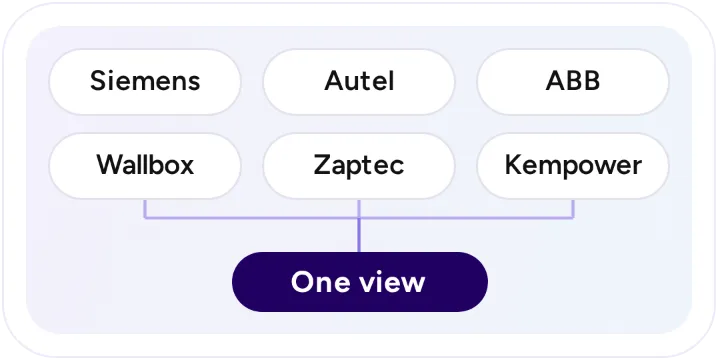
One view across manufacturers
See chargers, locations and sessions across different manufacturers in the same dashboard. Your team works from one place as your network grows.
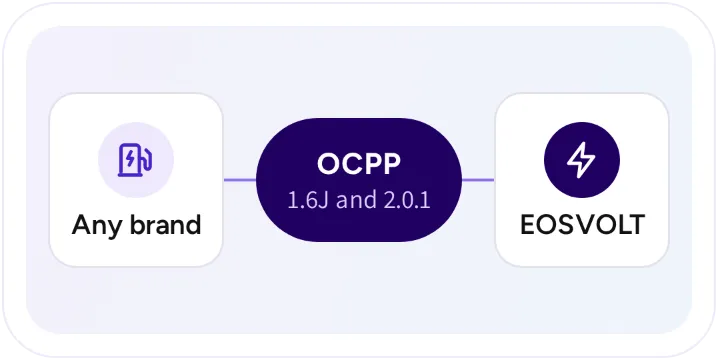
OCPP connectivity
Connect chargers using OCPP 1.6J or 2.0.1, bringing charger status, session information and remote operations into EOSVOLT.
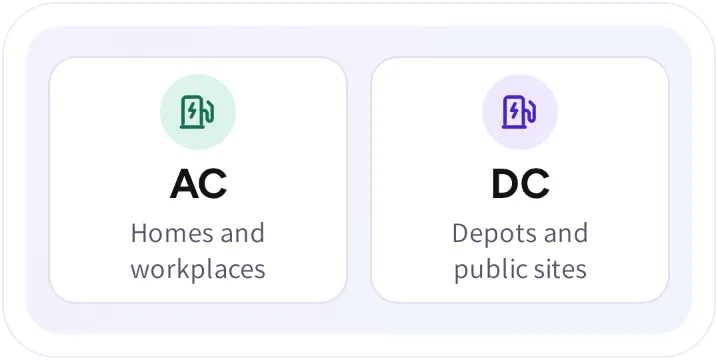
AC and DC in one network
Run AC charging at homes and workplaces alongside DC charging for depots and public sites, with a shared view of your entire operation.
Explore the
charger catalogue.
Browse charger brands and models in the EOSVOLT hardware catalogue, with equipment for a wide range of charging environments.
Manage your chargers
day to day.
Monitor charging activity, investigate issues, take action remotely and coordinate firmware updates from the EOSVOLT dashboard.
Monitor charger activity
See connector availability, charging power, energy delivered and session history. Use activity timelines and charger logs to understand what happened when something needs attention.

Take action remotely
Start or stop charging sessions, restart chargers, unlock connectors and change availability, directly from your dashboard.

Coordinate firmware updates
See installed firmware versions by charger model, organize firmware files and plan rollouts across your network.

Bring more services to each site
Bring load balancing, AutoCharge and payment terminals into your charging setup, alongside everyday charger management.

Keep your chargers.
Change your platform.
Bring the hardware you already own. Move your existing OCPP charging network to EOSVOLT without starting again with new equipment. Our team helps you plan the transition around your setup and your sites.
Plan a smooth migration. We’ll help review charger configurations, prepare connections and test the setup. For larger networks, we can support bulk onboarding.

Truck, depot and public charging.
One operation.
EBB Charge uses EOSVOLT to run truck, depot and public charging with Siemens SICHARGE D chargers. Vourity payment terminals enable card payments, while fleet customers manage drivers, vehicles and charging costs through the same platform.

Frequently asked questions
What chargers can we connect to EOSVOLT?
EOSVOLT is hardware-agnostic and connects with OCPP-enabled AC and DC chargers from any manufacturer. Our team can help you get your hardware connected.
Can we run chargers from different manufacturers at the same site?
Yes. You can manage OCPP-enabled chargers from different manufacturers at the same location and across your wider network.
Which OCPP versions does EOSVOLT support?
EOSVOLT supports OCPP 1.6J and 2.0.1 for charger connectivity, status updates, session data and remote management.
Can we move our existing chargers from another platform?
Yes. We can help review your current charger setup, prepare the OCPP connections and test the transition. Larger networks can also be onboarded in bulk.
Explore
the product guides.

Adding a charger guide
Add a charger, pick its type and fill in its brand, model and serial ID. Follow the steps to point the charger to the platform's OCPP address and check that it connects.

Charge points guide
Manage your charging sites and every charger on them from one section with six tabs. Learn the charger types and statuses, read the plug strip and act on any charger remotely.

OCPP toolkit guide
Send OCPP commands straight to one charger without anyone at the site. Learn how to unlock a stuck cable, restart a charger, take a plug out of service and read or change its settings.

Firmware management guide
See which firmware your chargers run, model by model, and keep firmware files in a library. Learn how to roll out updates to chosen chargers, at once or inside a night window.

Load balancing setup guide
Share a site's grid capacity between its chargers in zones with limits in kW or amperes. Learn how to set the power configuration, a buffer, a schedule and dynamic or sequential distribution.
Explore more
of the platform.
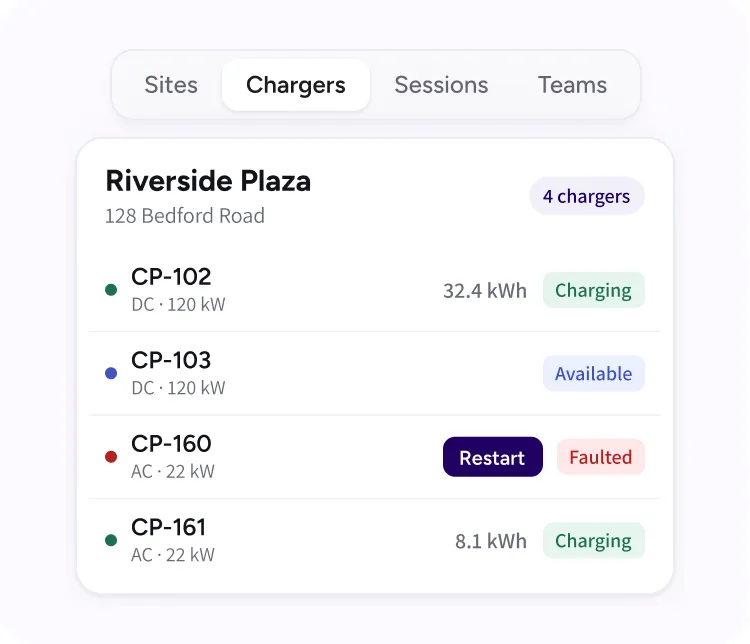
Network management
Manage sites, chargers, sessions, customers, and operator teams. Keep the information and controls your team needs together, from the first connection to everyday support.
Energy management
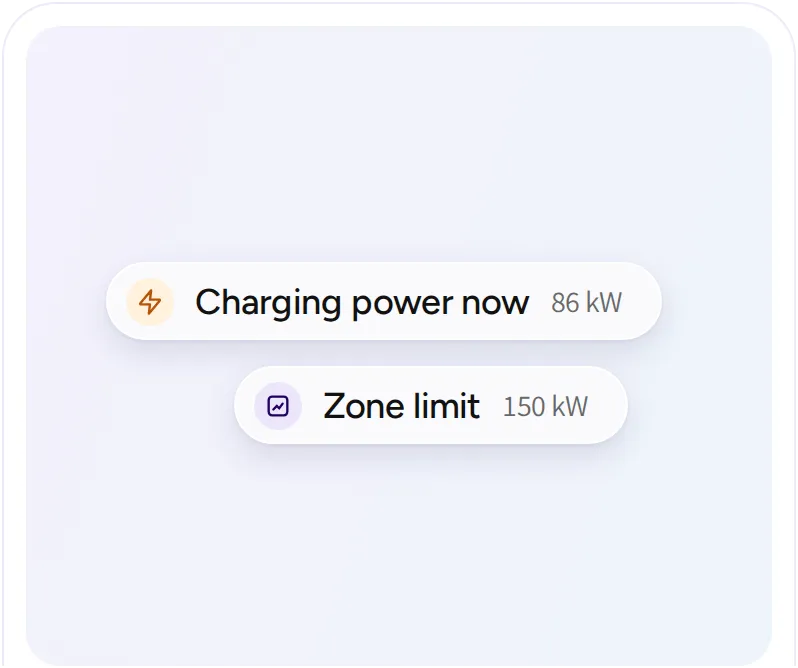
Distribute power across compatible chargers, follow live site demand, and coordinate supported batteries. Keep the site’s charging limits and operating conditions visible.
Integrations and API
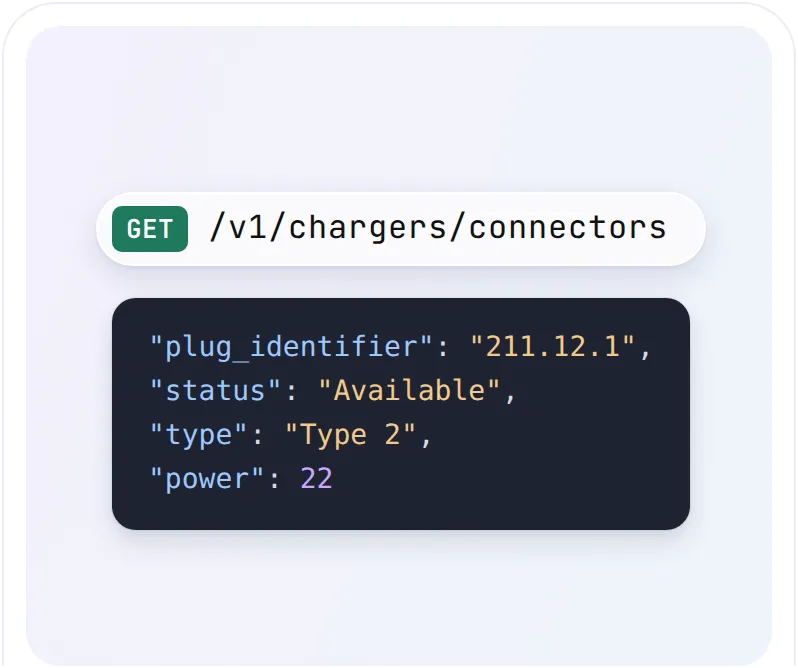
Connect payment providers, roaming partners, energy data and your own applications using supported integrations and the EOSVOLT Public API.